
QR table ordering
Guests scan a table QR code, choose from a multilingual menu and send an order for staff to review.
Explore QR table orderingSYDNEY, AUSTRALIA
Based in Sydney, totio helps restaurants and cafés build and translate websites, set up QR ordering, and plan how it works with the till you already use.
Start with the part of your guest or staff experience you want to improve.
Guests scan a table QR code, choose from a multilingual menu and send an order for staff to review.
Explore QR table orderingKeep checkout at your existing till as standard. Review POS integration, kitchen printing and payment requirements before deciding on a setup.
Plan your POS and QR setupChoose which pages and languages to support. Agree on menu terms, review the translated pages in context and plan updates.
Explore website translationGive guests one place to find your menu, opening hours and the booking or visit details for each venue.
See website design examplesAdapt text in menus and event materials and review dish names, prices and layout before use.
Explore image translationDiscuss ticket and reservation flows, staff tools, and web systems for the way your venue works.
See ticket booking examples Explore custom developmentLOCAL CASE STUDY · REDFERN
totio built the websites for JUAN’s Sydney and Tokyo restaurants and made them available in eight languages. The Sydney website links to a view-only menu that uses the restaurant’s mobile ordering data.
See the JUAN case study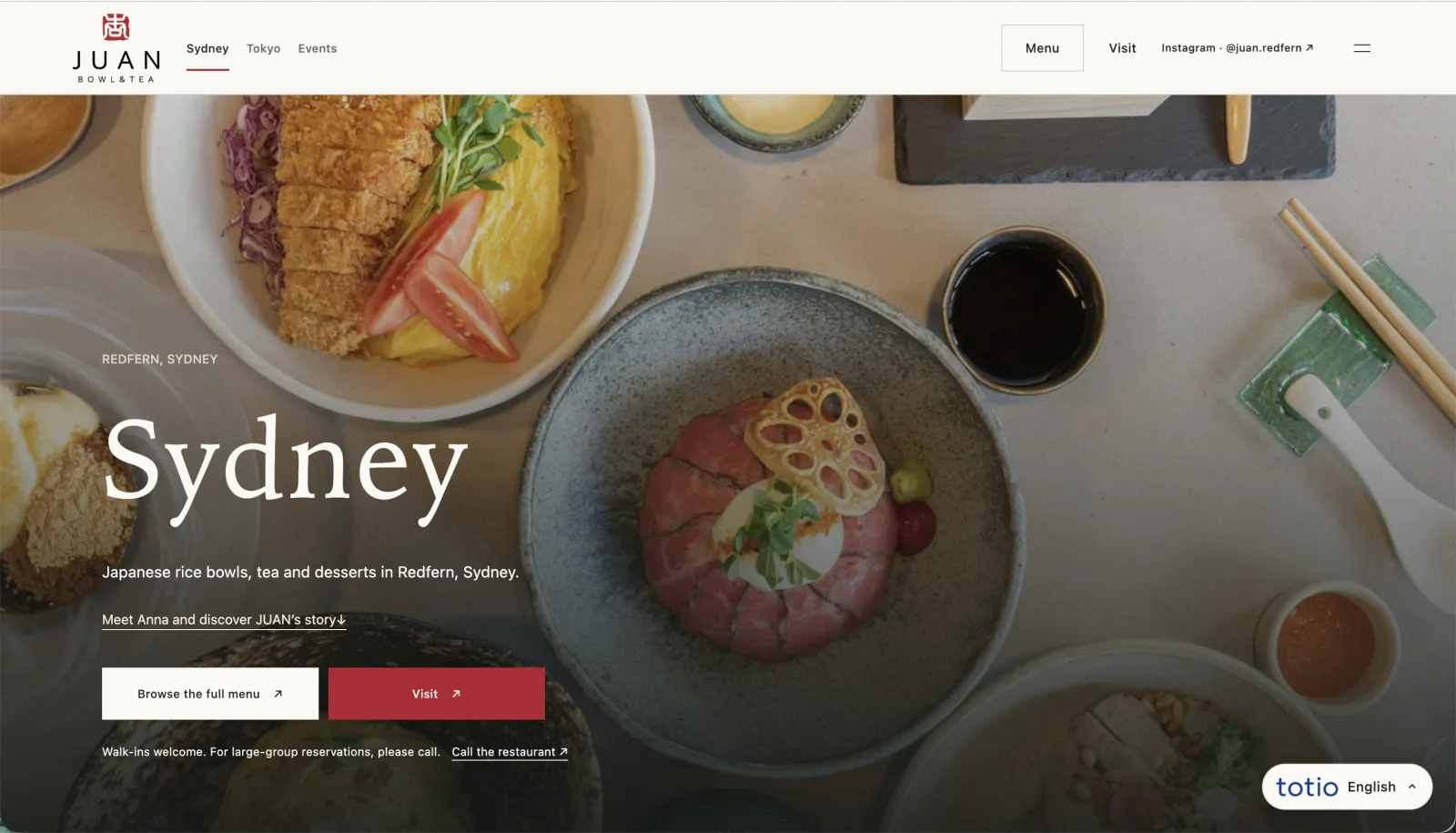
Share your website, a sample menu or the till you use. We’ll discuss what you need and the options that fit.