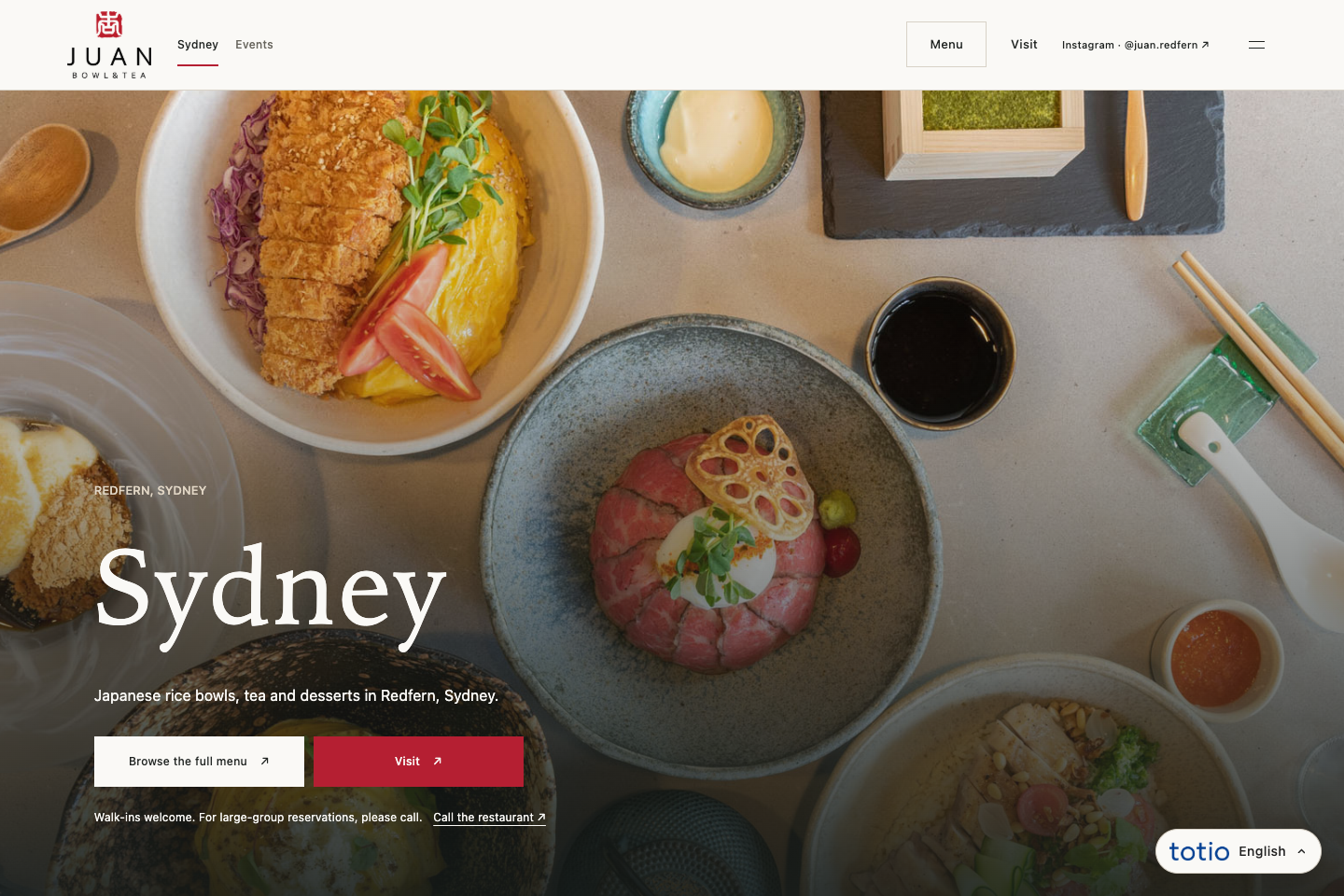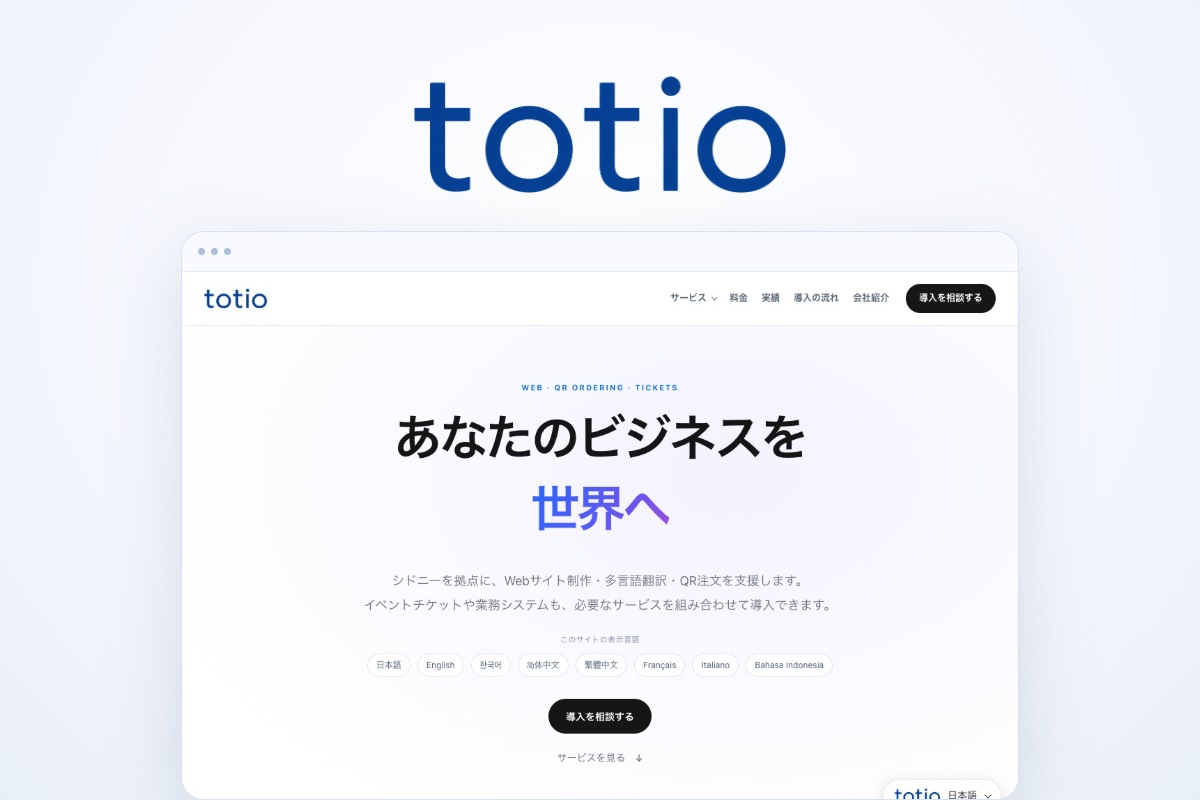
Website example: totio
Website creation
A landing page or website built around what you want to say.
- Share your needs and materials
- Review the design
- Review and publish
SERVICES
Each is a separate service. Ask about one on its own, or combine several.
 Website creationA landing page or website built around what you want to say.View details
 Website translationBring your existing website to customers in other languages.View details
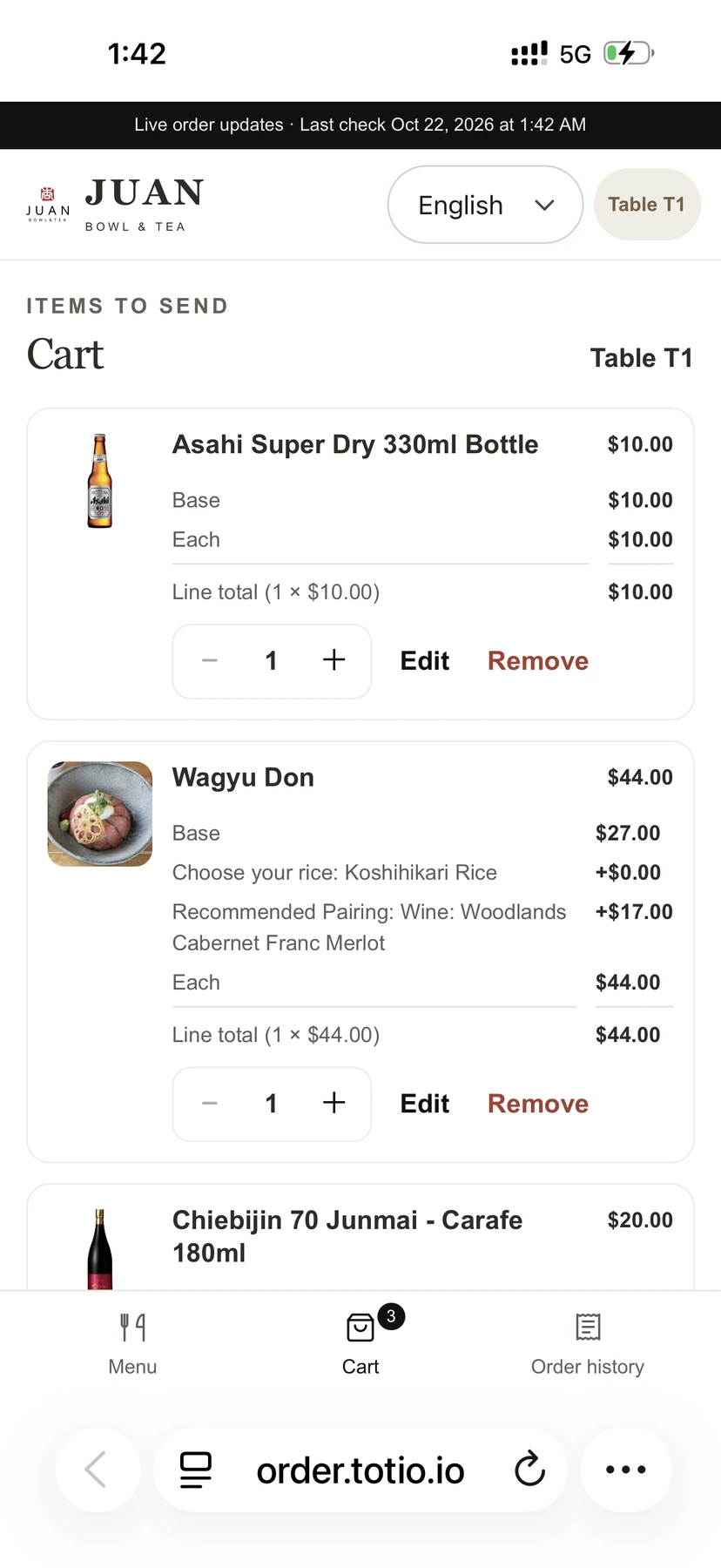
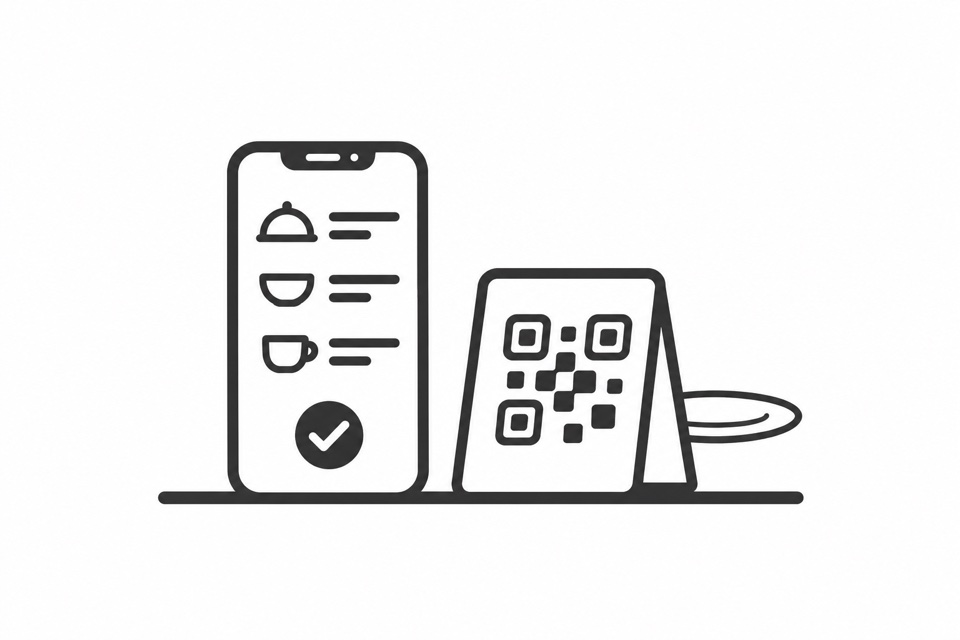 QR orderingGuests browse the menu and order at the table from their own phones.View details
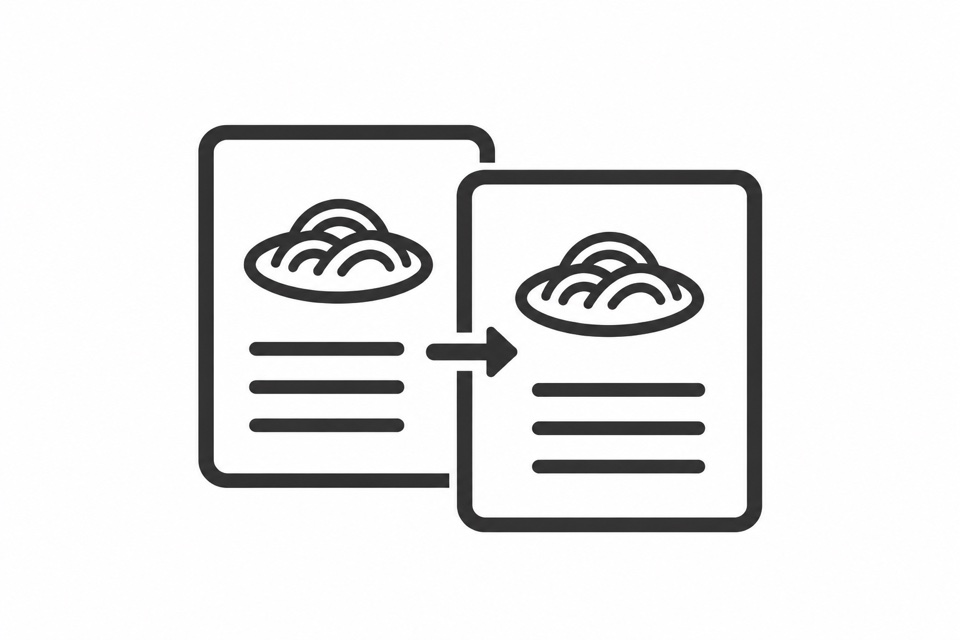 Image translationMenus and promotional visuals, translated with the layout reviewed.View details
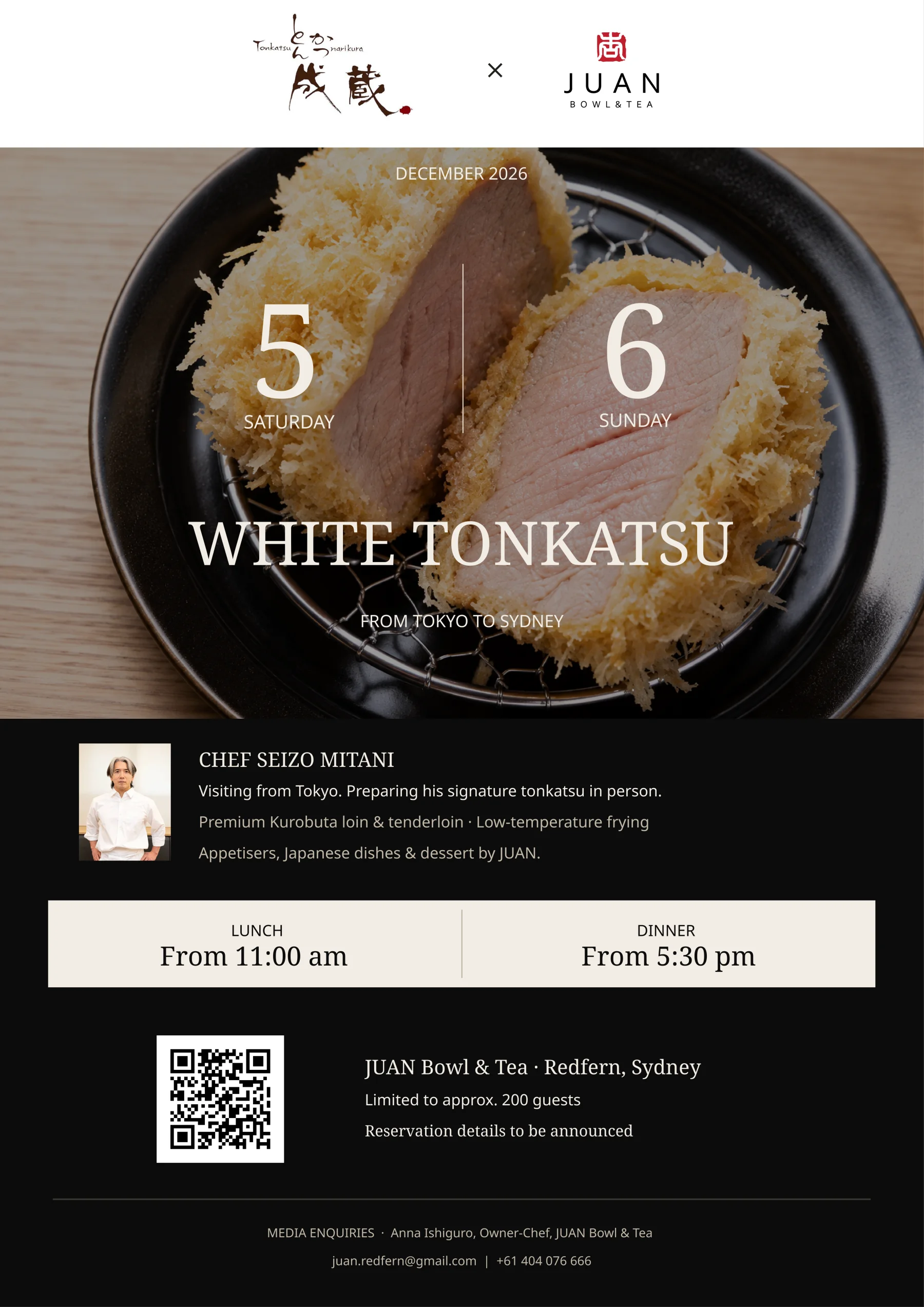
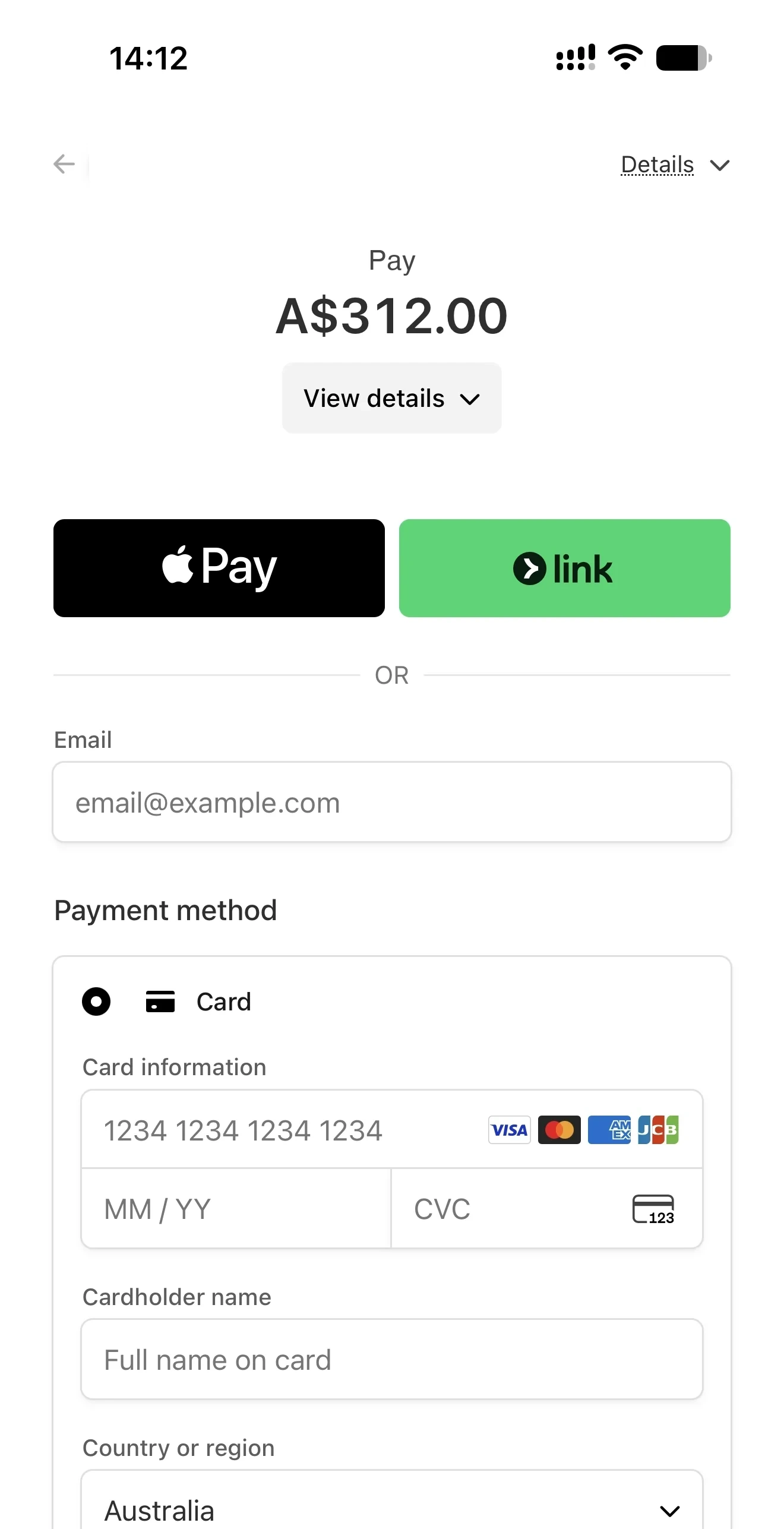
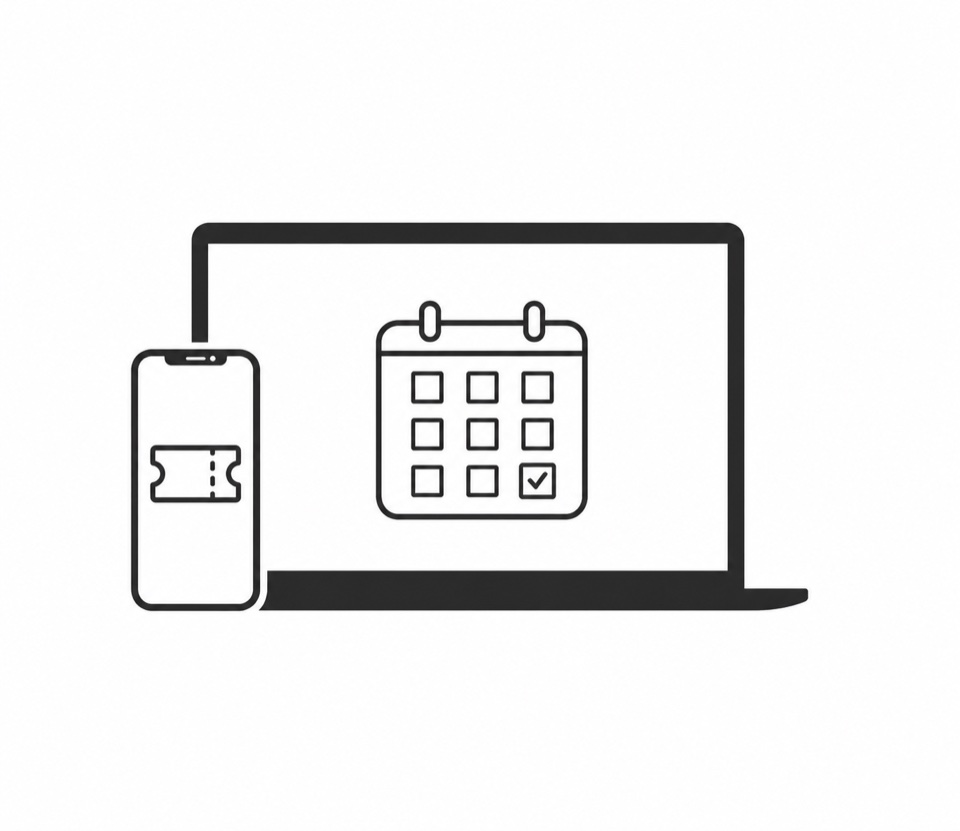 Events & ticketsFrom choosing a date and party size to buying the ticket.View details
 System developmentWeb apps, admin tools and data integrations for your business.View details
Our services, on screen.
SHOWCASE / 05Website example: totio
A landing page or website built around what you want to say.
 Japanese
Illustration with sample data
Bring your existing website to customers in other languages.
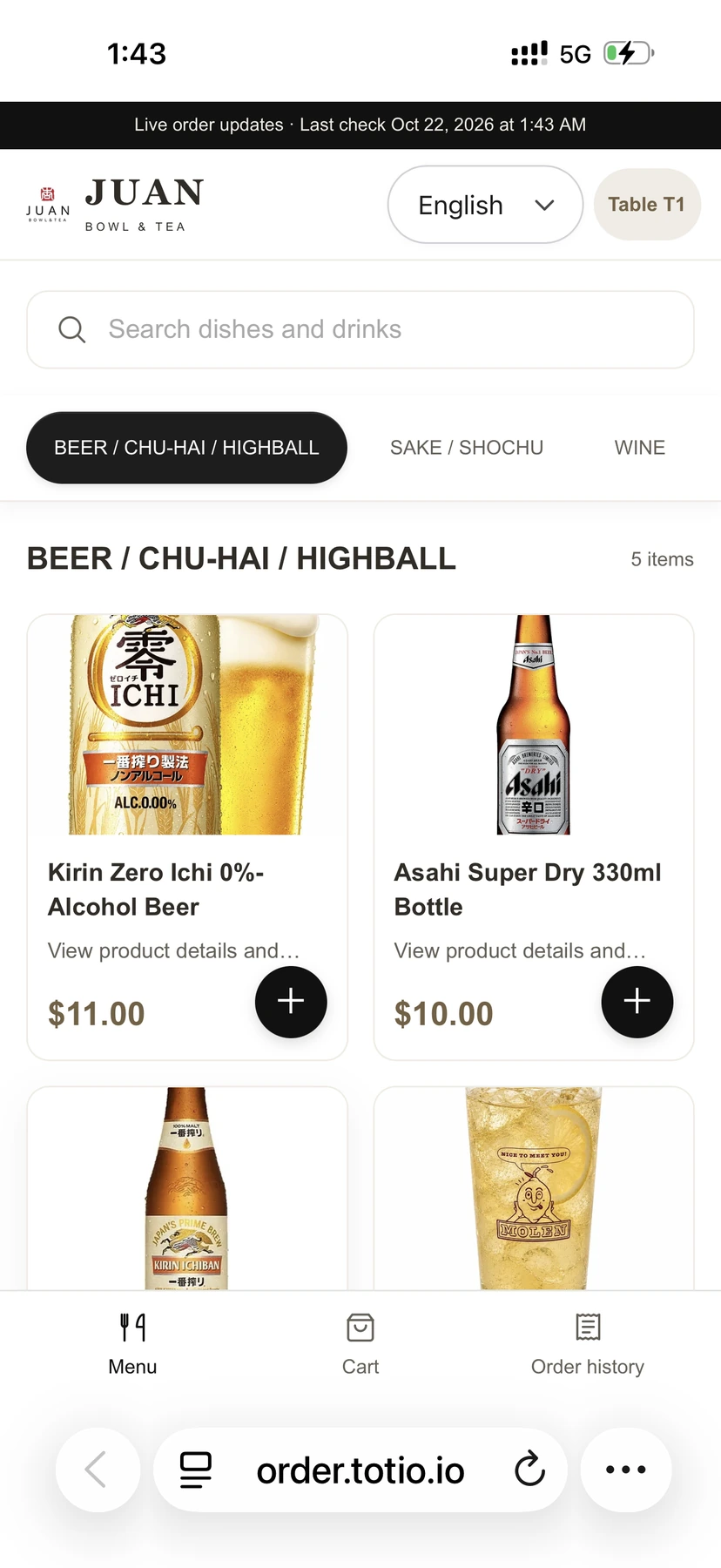
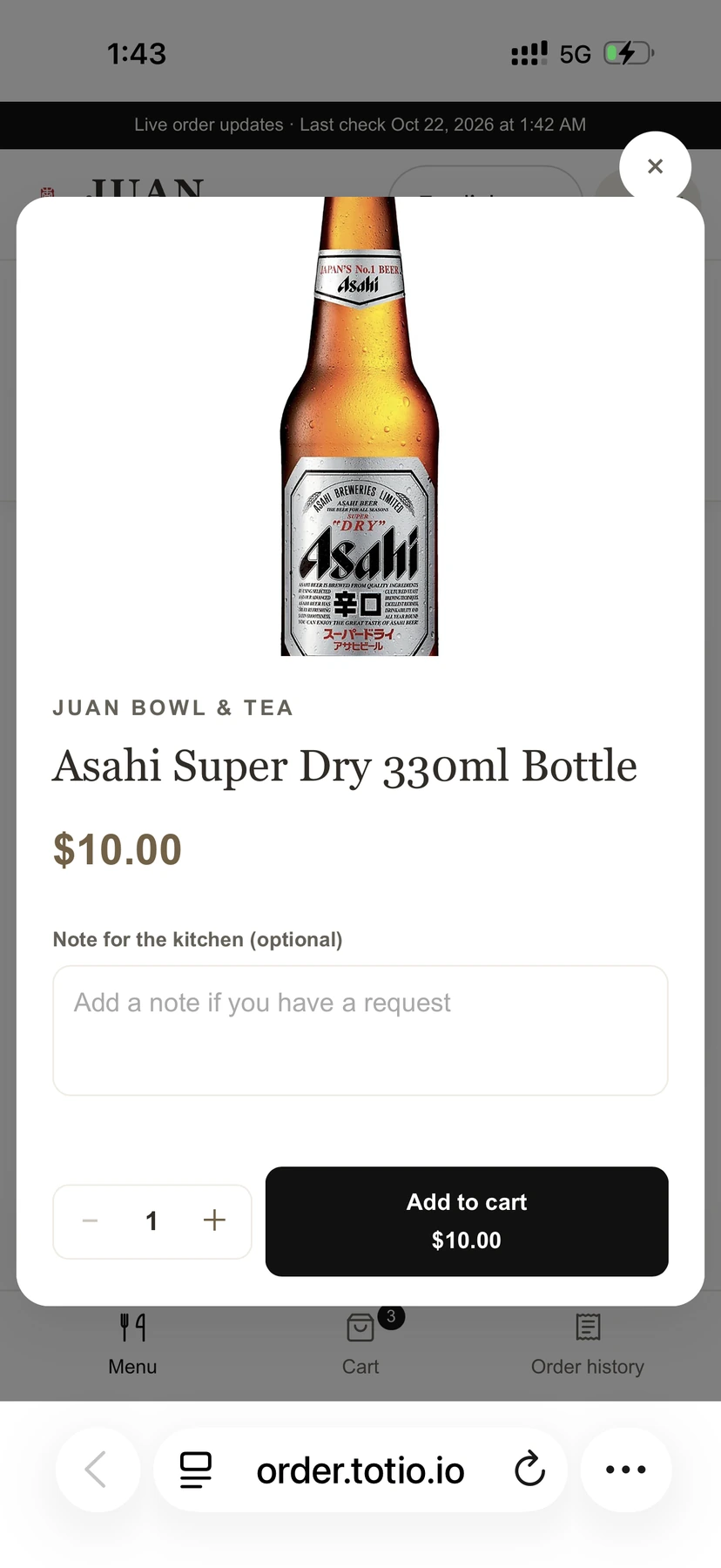
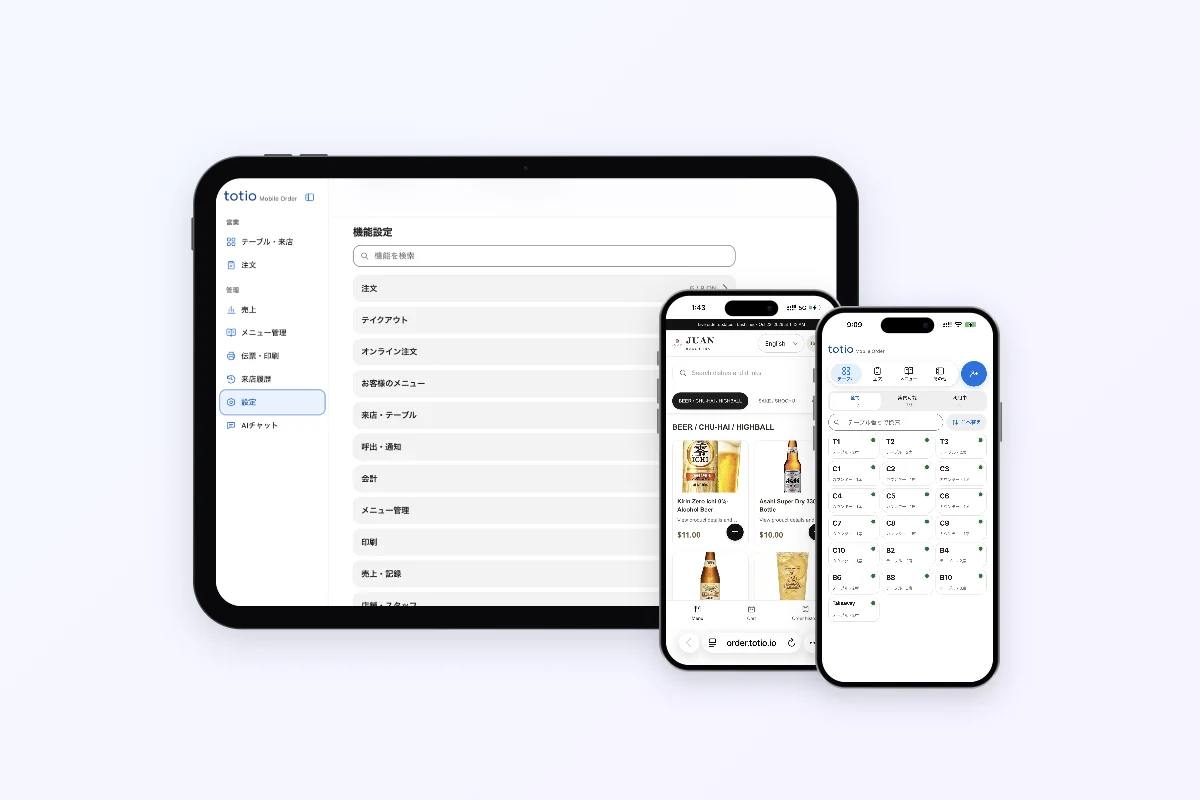
Screens: JUAN Bowl & Tea
Guests browse the menu and order at the table from their own phones.
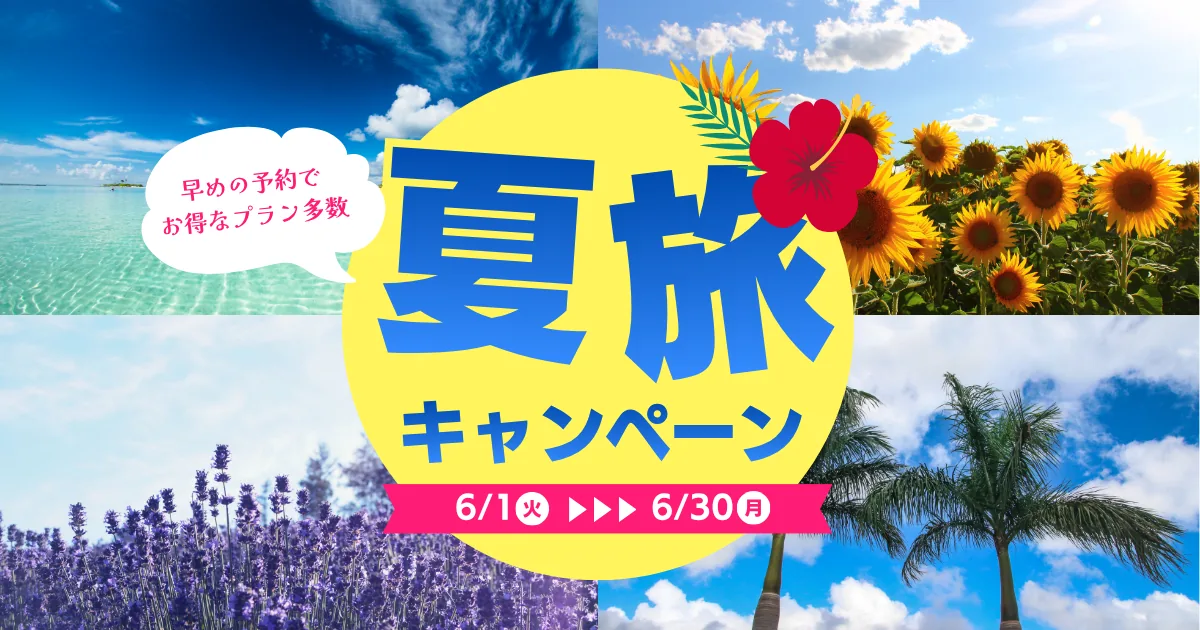
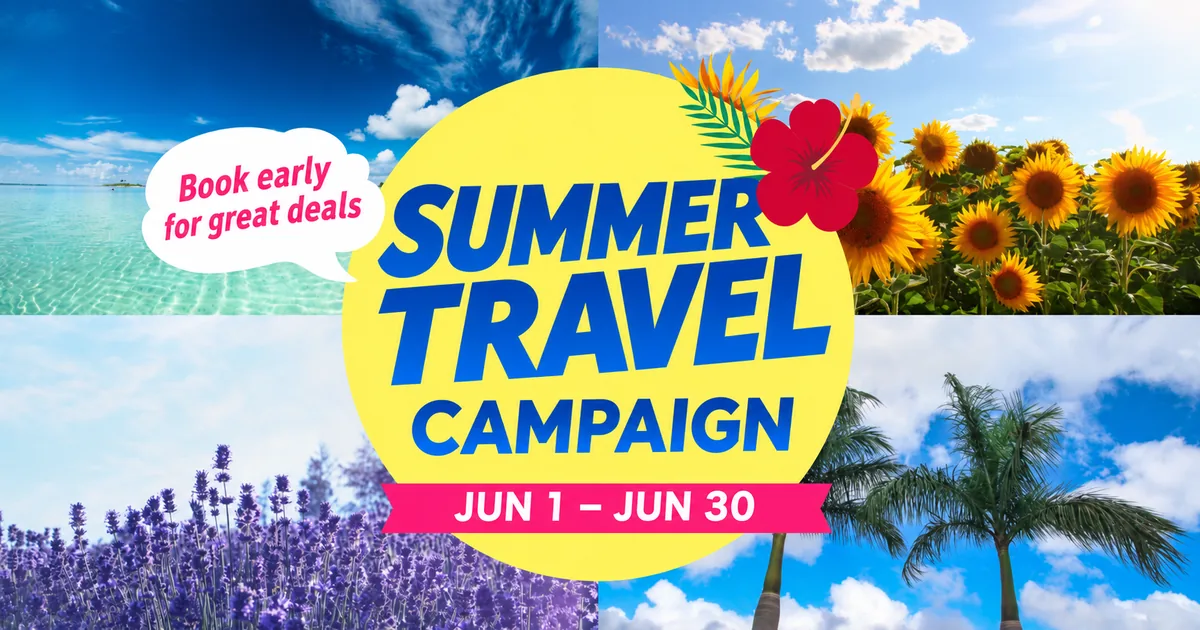
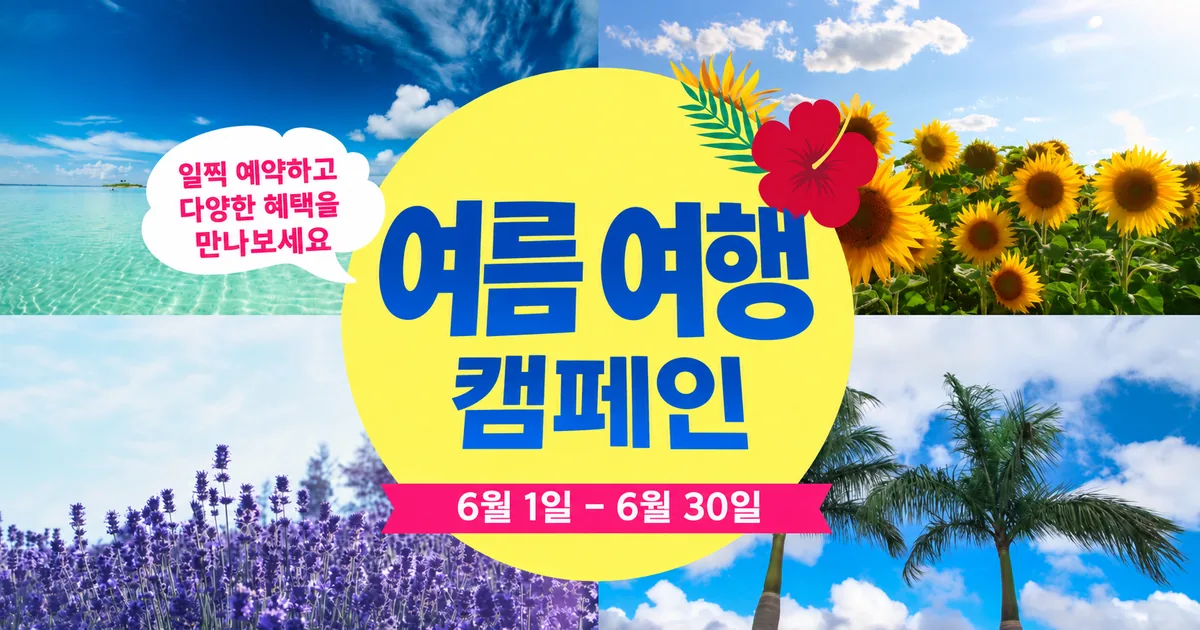
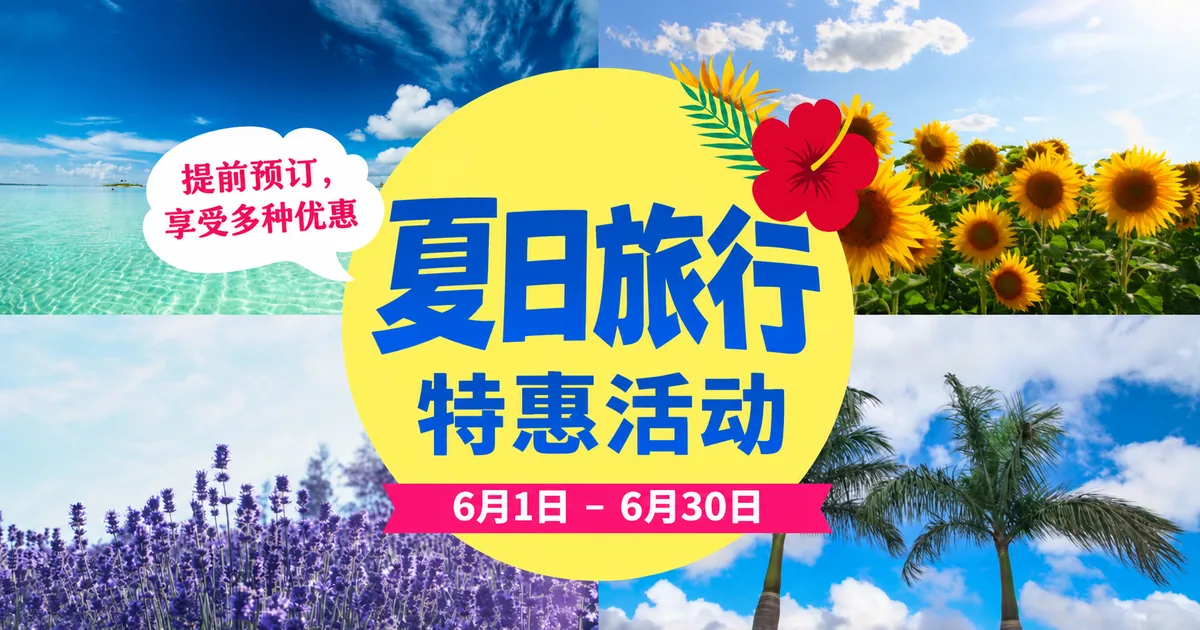
Example (AI-generated design sample)
Menus and promotional visuals, translated with the layout reviewed.
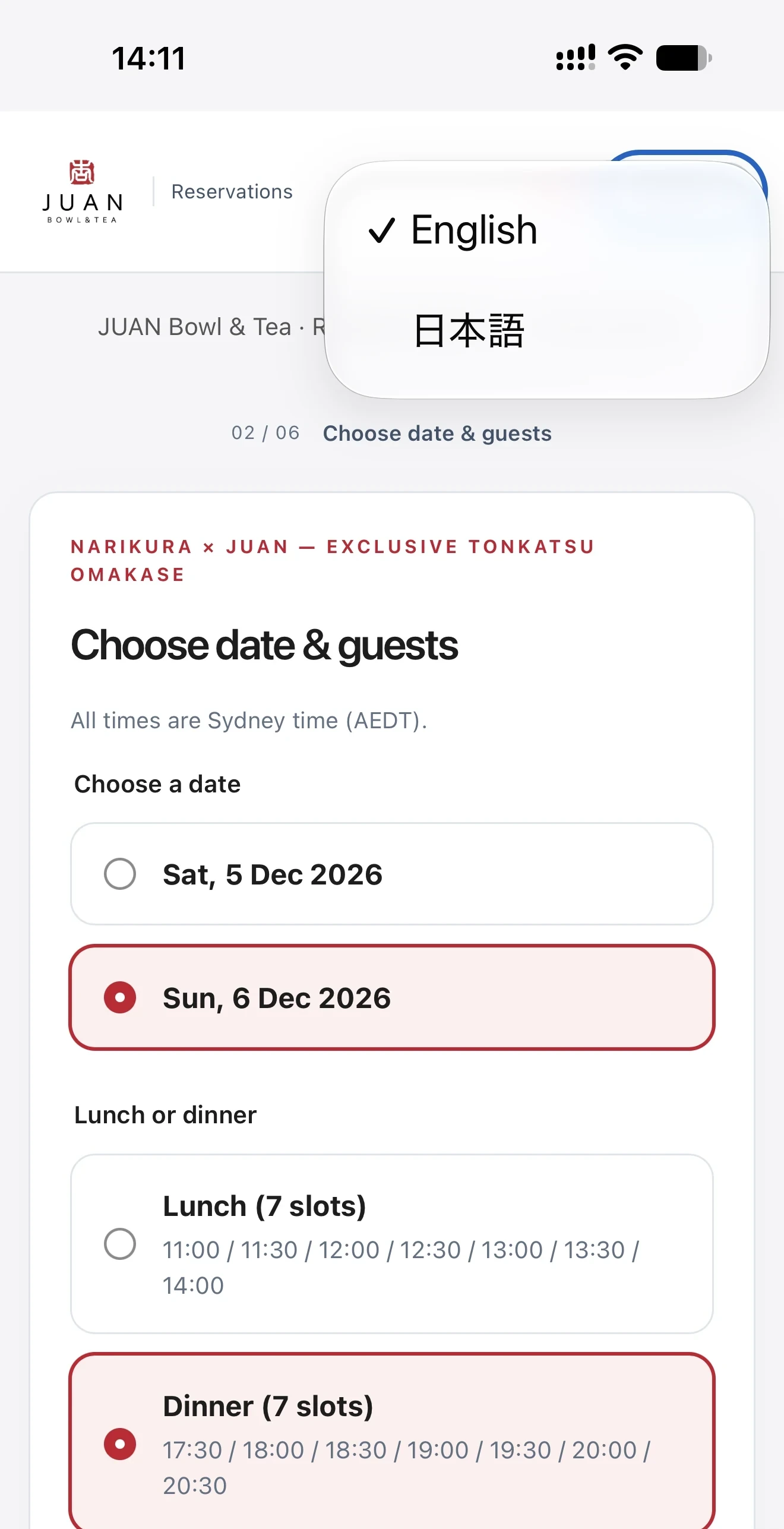
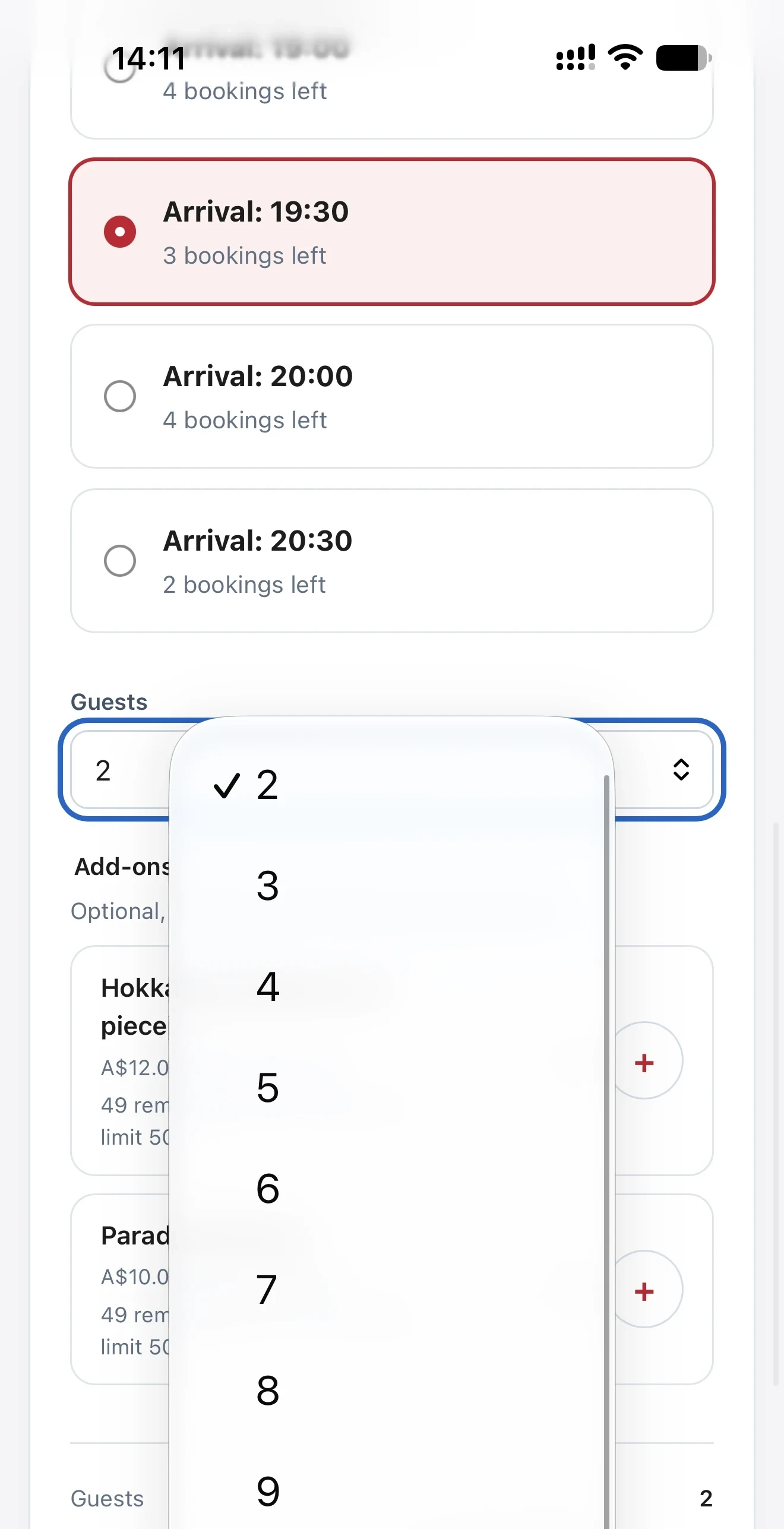
Screens: ticket purchase
From choosing a date and party size to buying the ticket.
Scroll to explore the next service.Choose a service to explore.
0105
SYSTEM DEVELOPMENT
We learn about your workflow and challenges, then design and build web apps, admin screens and external service integrations that work in Japanese, English and other languages.
We propose languages, scope and timing after reviewing your requirements.
SELECTED WORK
NEWS
Service updates and the latest news.
BLOG
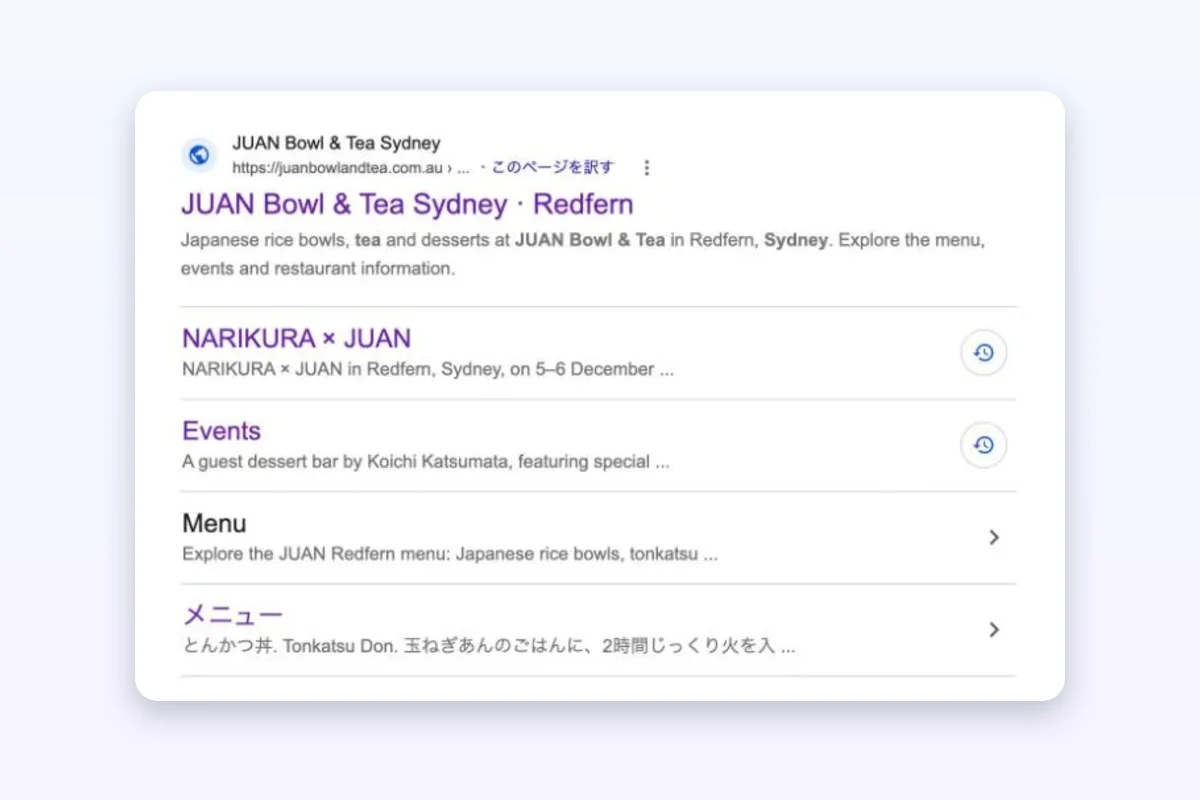
See language-specific URLs and real Google Search and AI Mode screens.
Review AI search preparation through venue details, FAQs and language-specific URLs.
Check URLs, matching pages and language-switching links for each language.
HOW IT WORKS
Every service follows the same process: we review the content together, you choose only what you need, and we launch what has been confirmed.
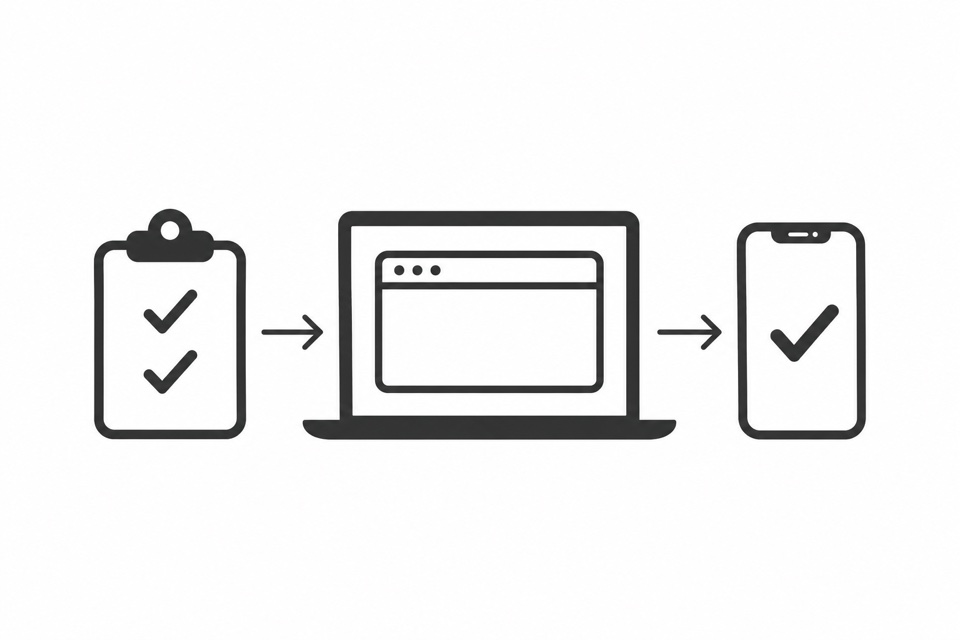
FOUR STEPS
Share your current website, menu or event details.
We clarify the languages, screens, devices and operating conditions.
Check the text, design and the ordering or purchase flow.
Agree how to update after launch and who to contact.
Publishing, updates and connections to external booking or payment services are decided after reviewing your setup and operations.
Yes. Websites and translation, QR ordering, image translation, tickets: ask about whatever scope suits your goals.
Website creation builds a new landing page or website. Website translation keeps your current site and delivers it in other languages. We check which fits based on your existing site and goals.
QR ordering lets guests browse the menu and order from their phones once they are seated. Regular table reservations are a separate feature in preparation. Event ticket sales are offered as a dedicated service.
The standard QR ordering plan uses your existing register. POS integration and mobile payments are not automatically included; we quote after reviewing your operations.
This website can be viewed in eight languages. Each service, its admin screens and support cover different languages, so we confirm the languages you need before you start.
One option is a link to a public menu. At JUAN Sydney, the website leads to a read-only menu on the same platform as QR ordering. This is different from automatically rewriting the content of any external website.
LET’S START SMALL
Start with a website URL, a menu or an outline of your event.
Together, we’ll work out which services you need and how to proceed.
Sending an enquiry does not create a contract or payment.