Menus & languages
Confirm descriptions, prices, options and target languages.
Guests scan a QR code, choose a language and order from the table. Staff review orders, and guests pay at your existing till as standard.
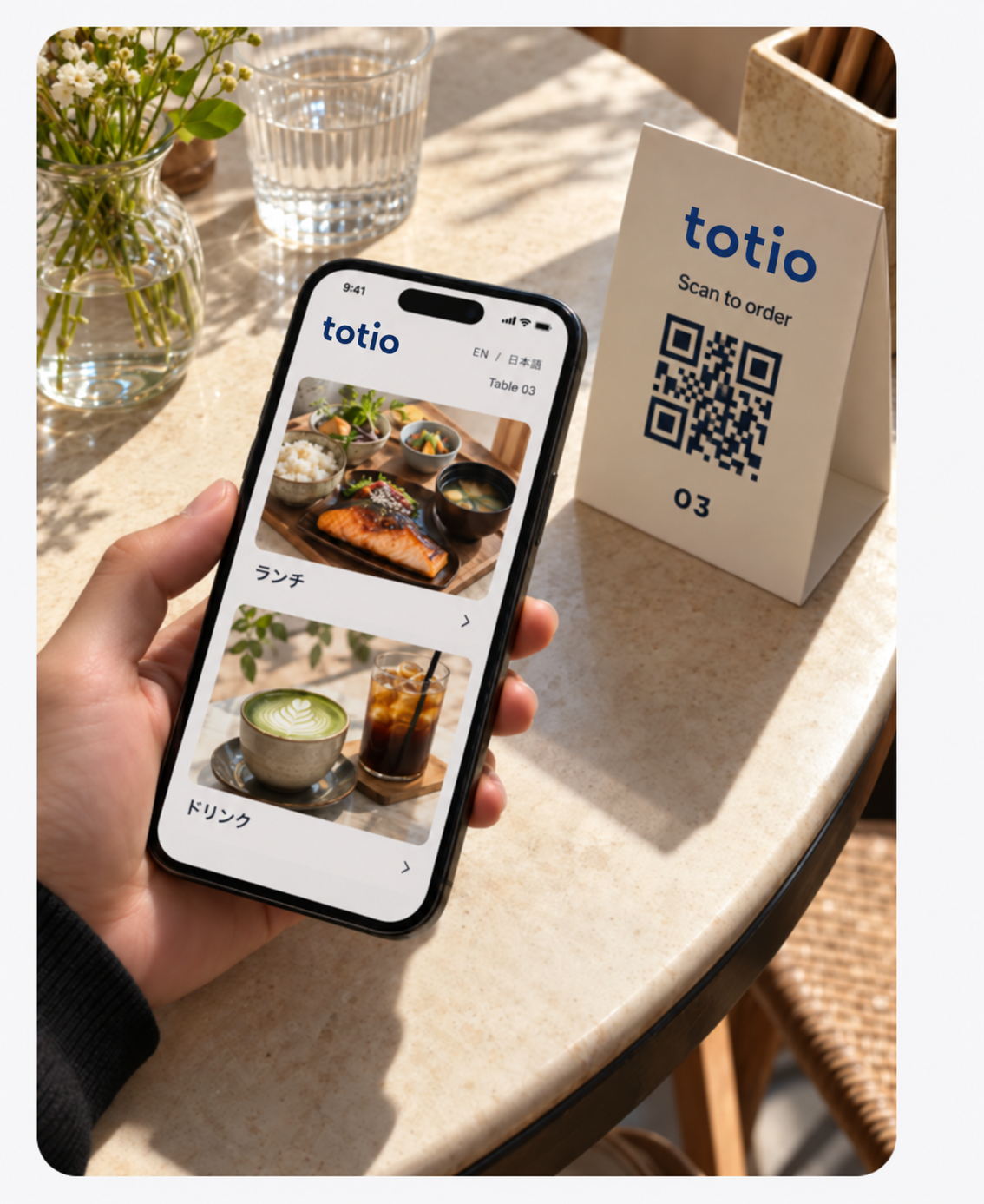
Confirm descriptions, prices, options and target languages.
Confirm order review, devices, connectivity and printing.
Use the existing register. POS integration and phone payments are separate.
At JUAN Bowl & Tea in Redfern, the restaurant website links to a read-only menu that uses the same published information as the mobile ordering system.
For your venue, we review staff devices, kitchen workflow and checkout before setup. We assess POS integration and mobile payments separately.
Confirm the menu, languages, tables, connectivity, devices, kitchen and checkout flow, and fallback arrangements. Agree on trial scope and timing.
This depends on the service and source material. Tell us which languages you need.