
Tools for restaurant marketing, ordering and operations
Start with a multilingual website, QR ordering or event ticketing.
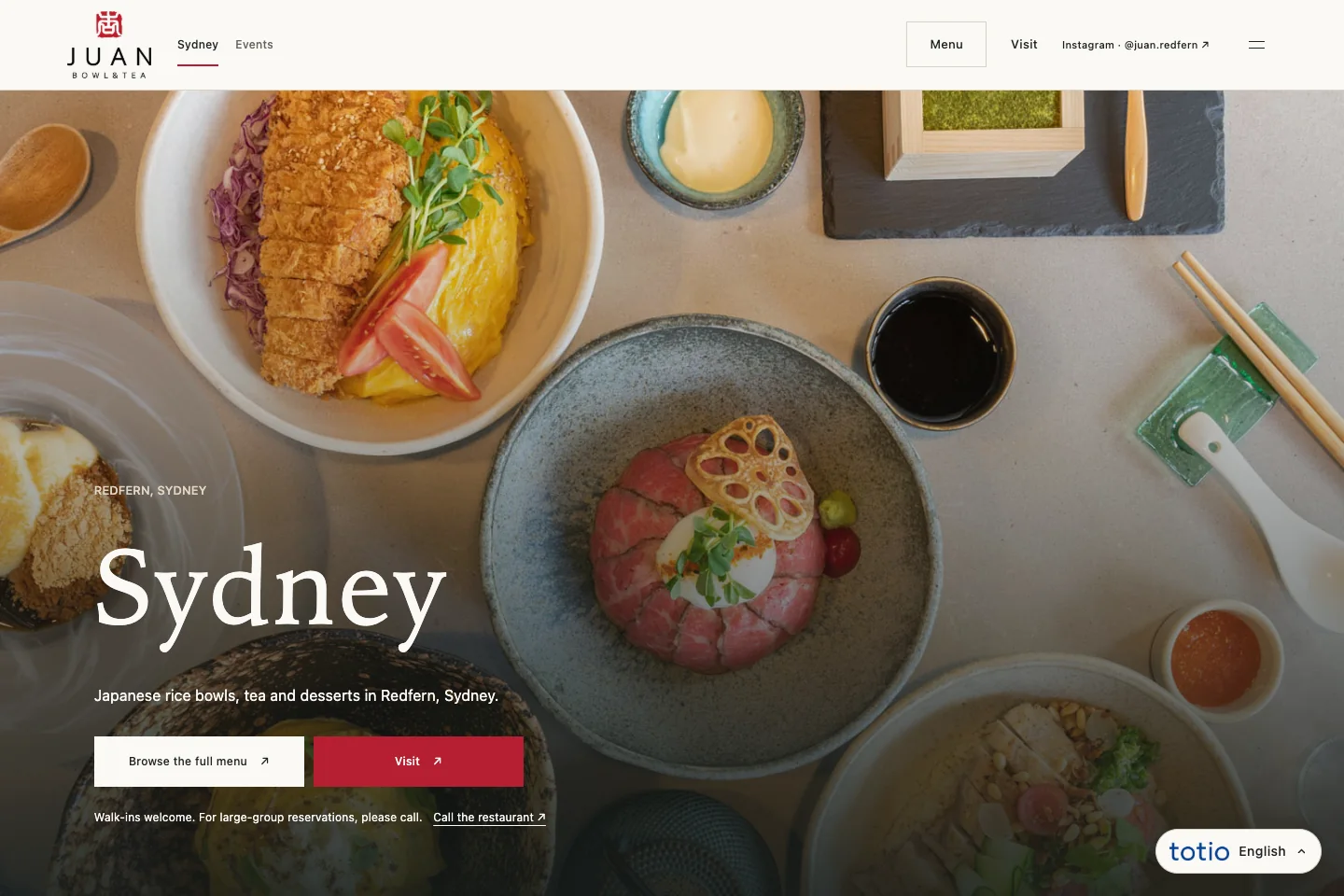

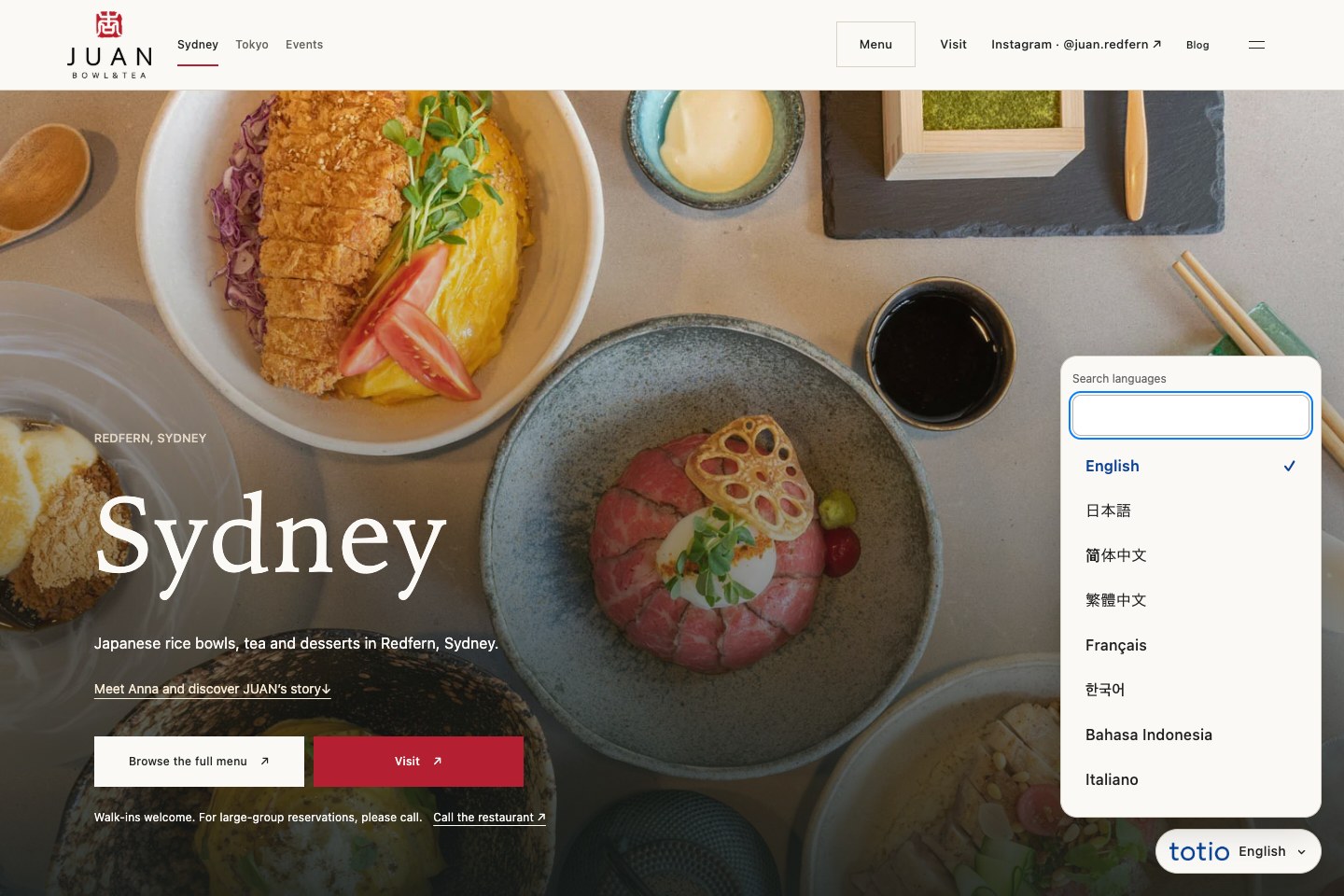
Share information about your restaurant through a multilingual website.
- We create your restaurant’s website and publish it in multiple languages.
- We support multilingual SEO with language-specific URLs, and pages in different languages have appeared in both search results and AI search results.

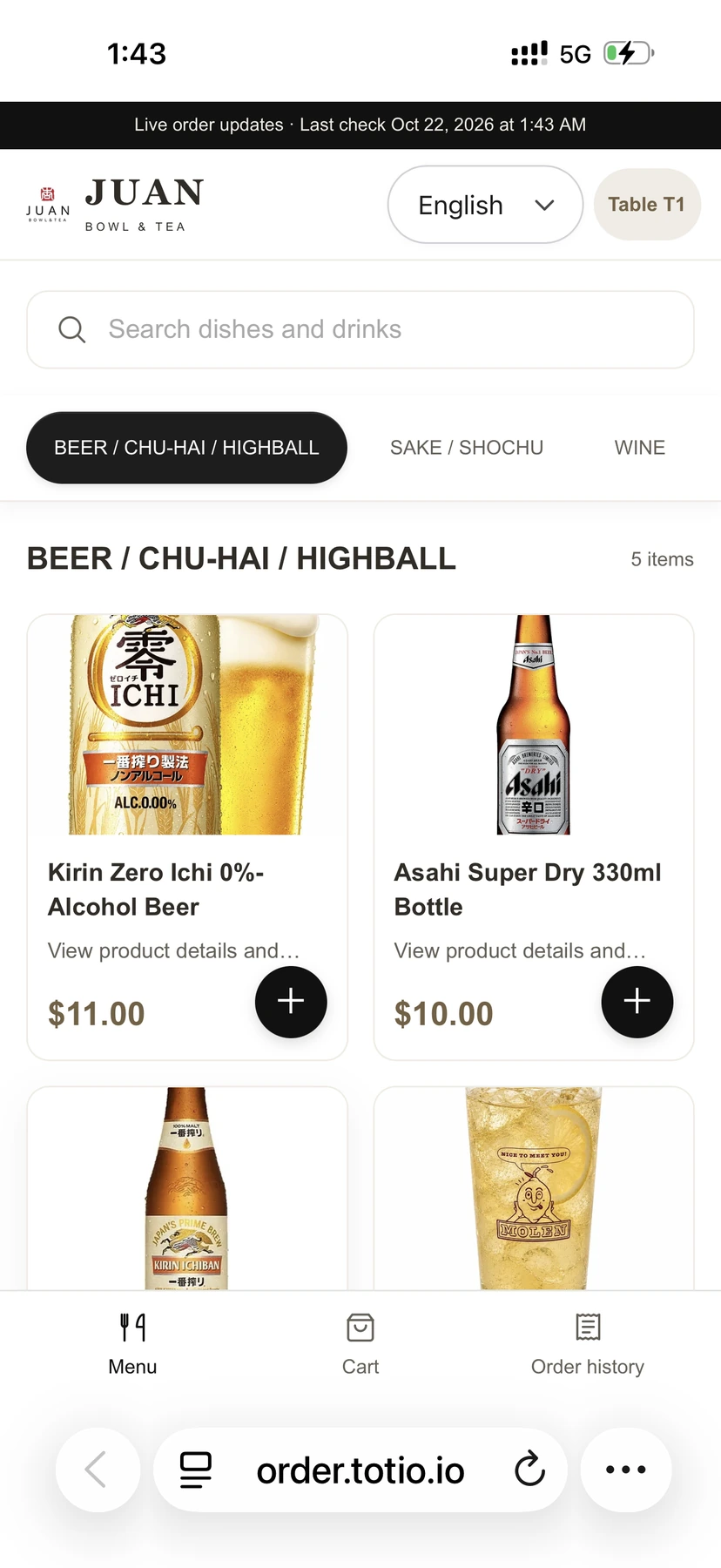
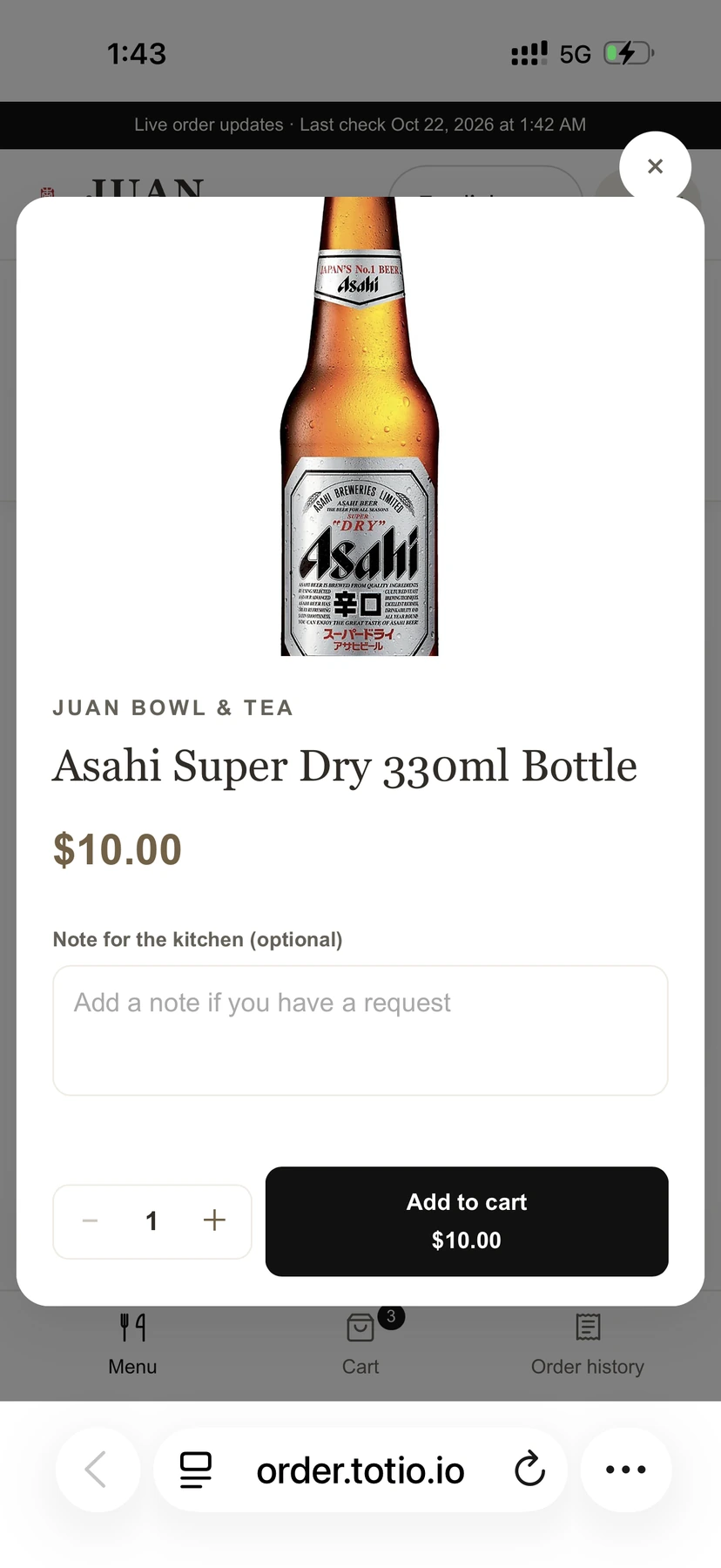
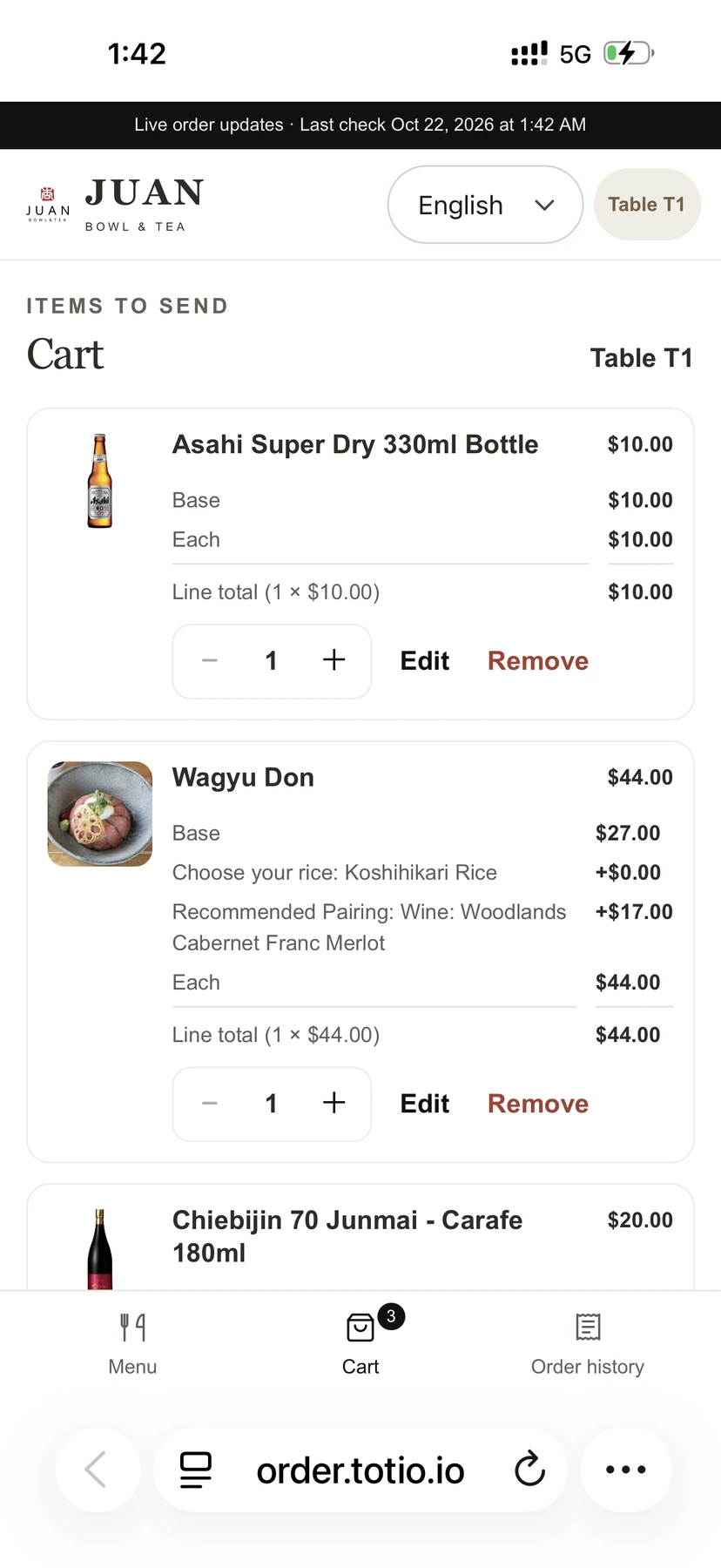
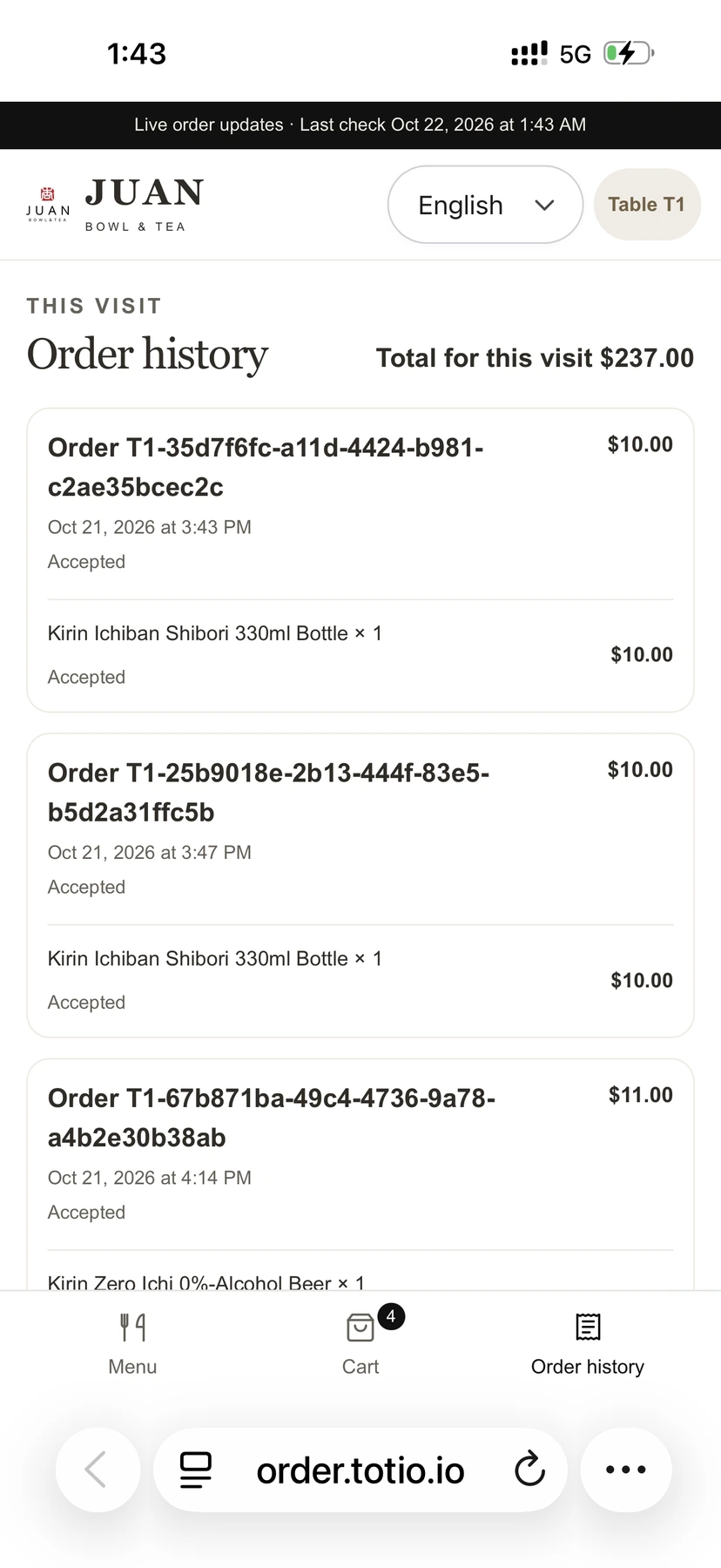
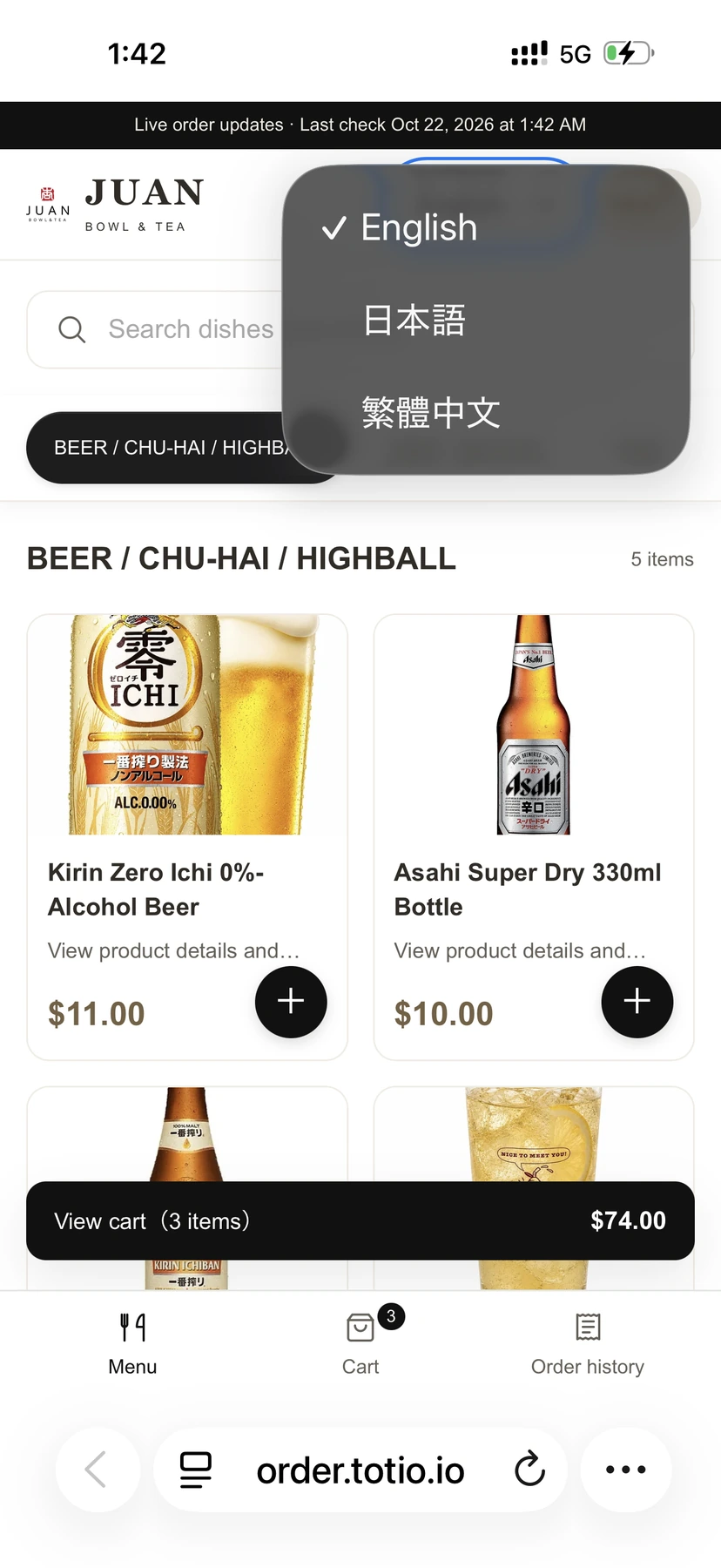
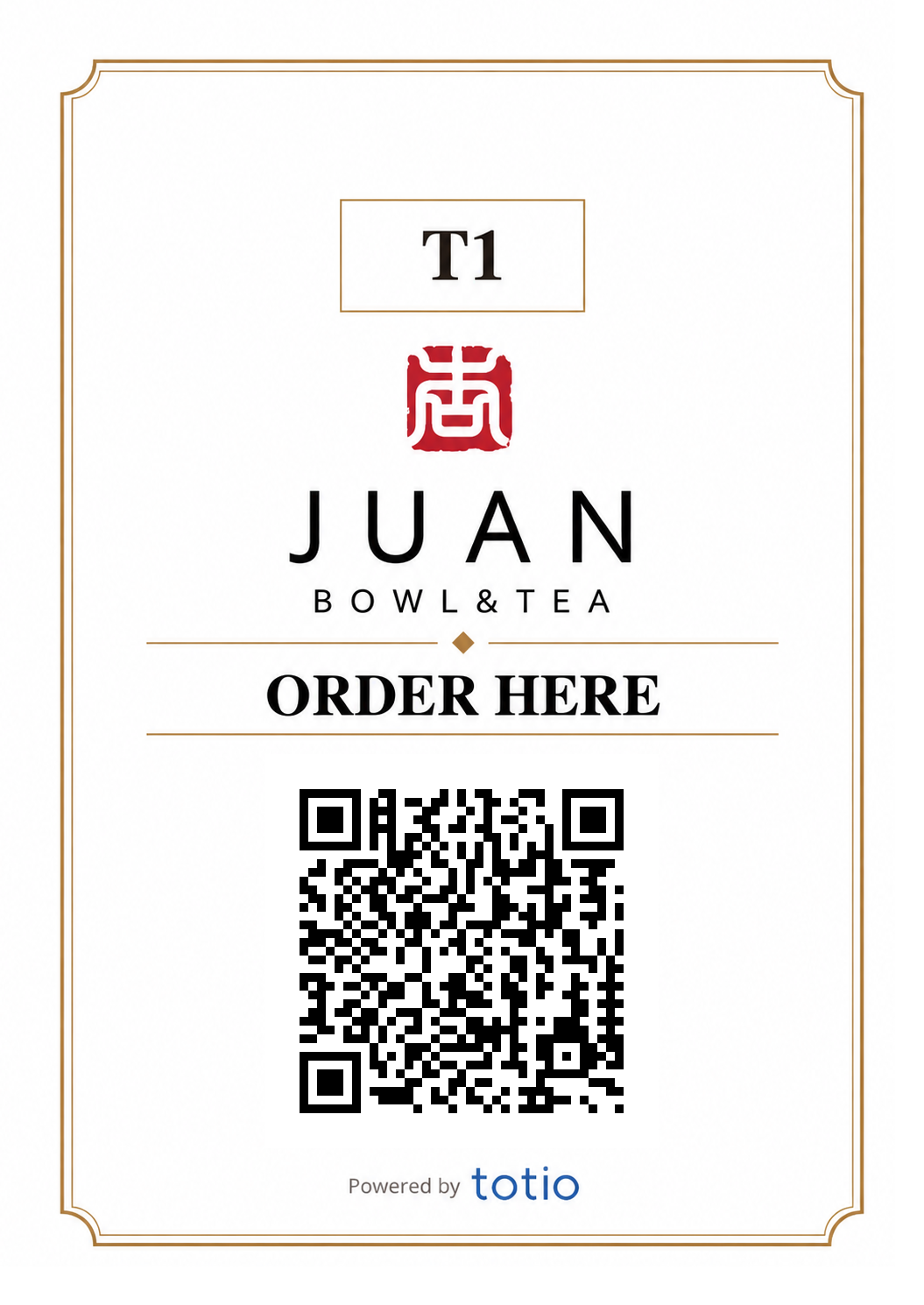
Order from the table QR code without installing an app.
- Scan the table QR code to order in your browser without an app.
- The ordering screen supports up to 64 languages.
- We also offer image translation for menus and posters.

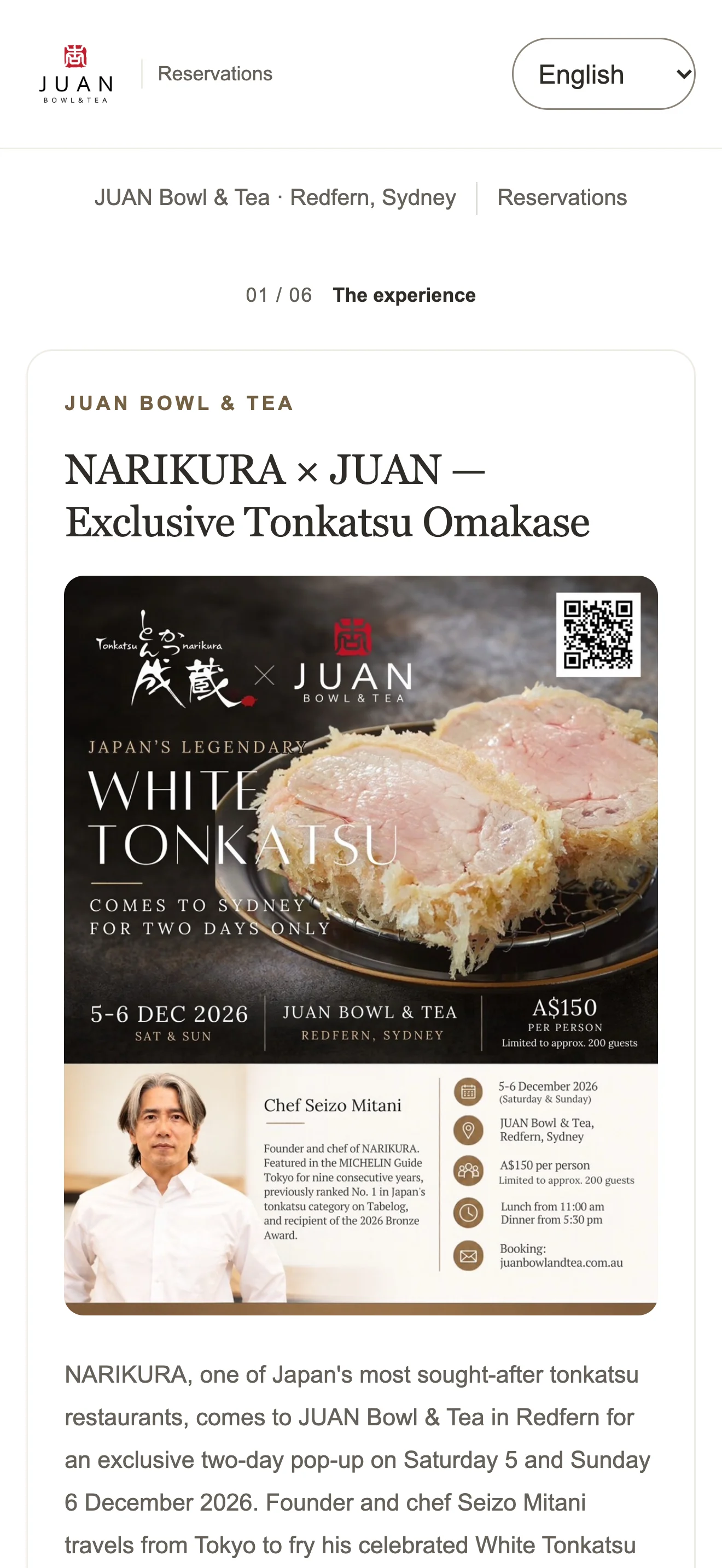
From event ticket sales to table reservations.
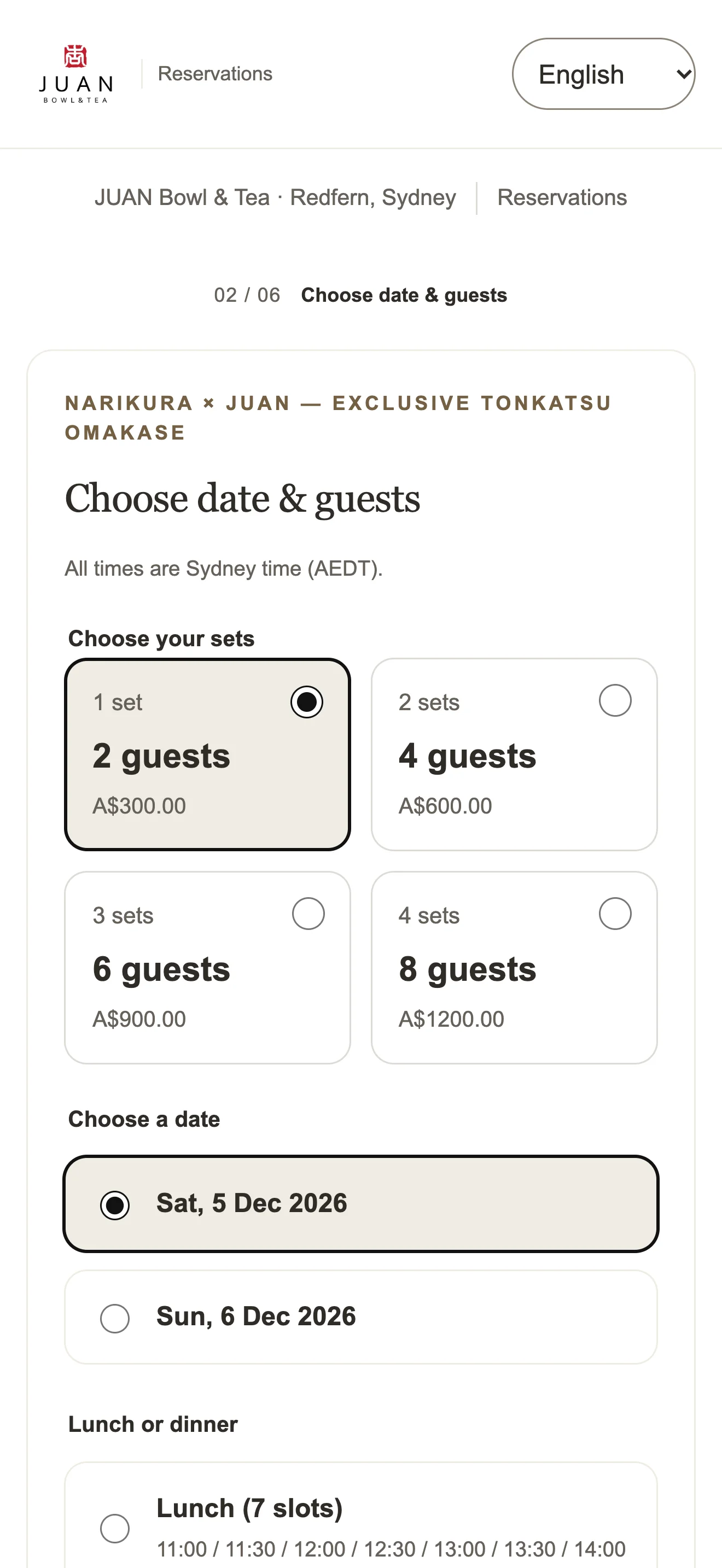
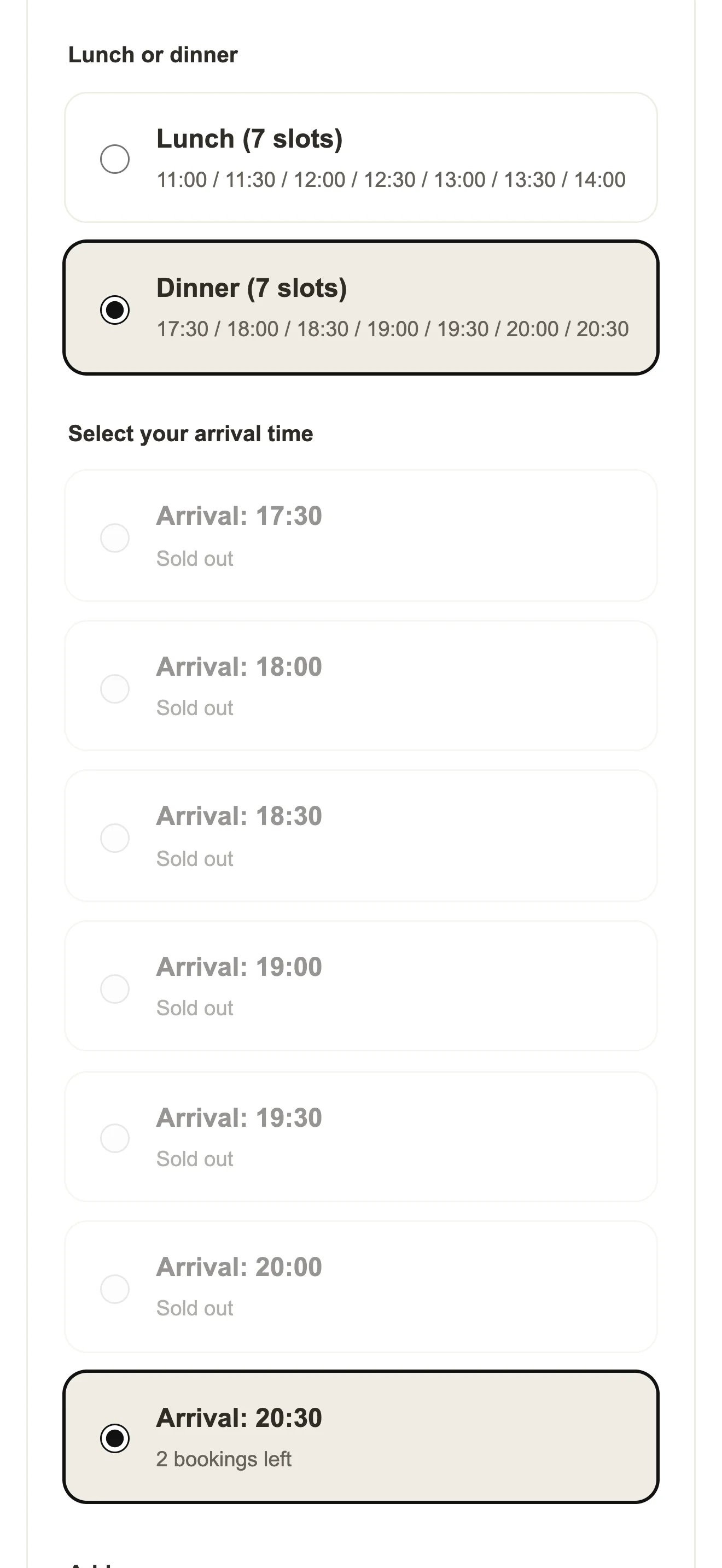
- Check dates, party size and availability, then choose options and pay.
- Online bookings, availability and staff booking management are in development.

Stay connected with customers after their visit.
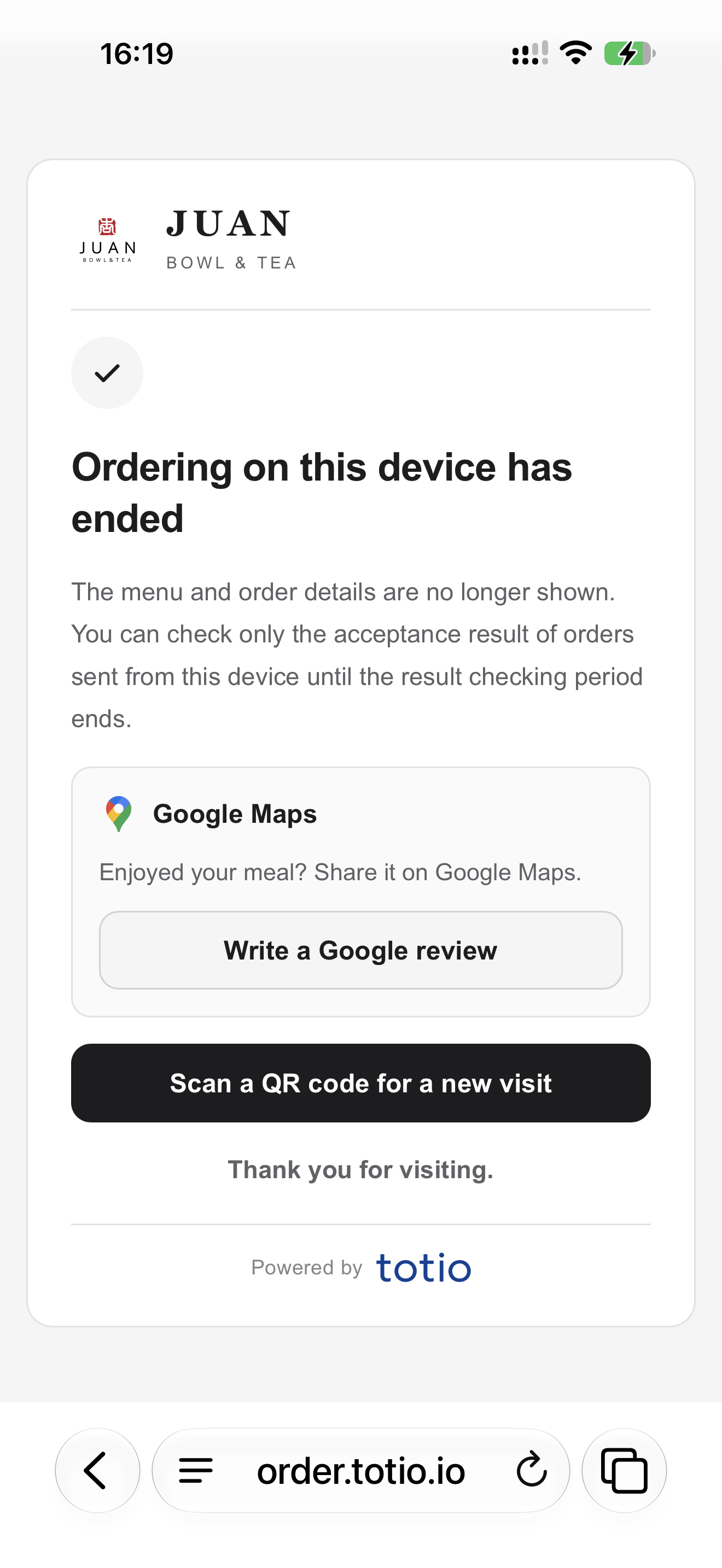
- Display a Google Maps review button after ordering.
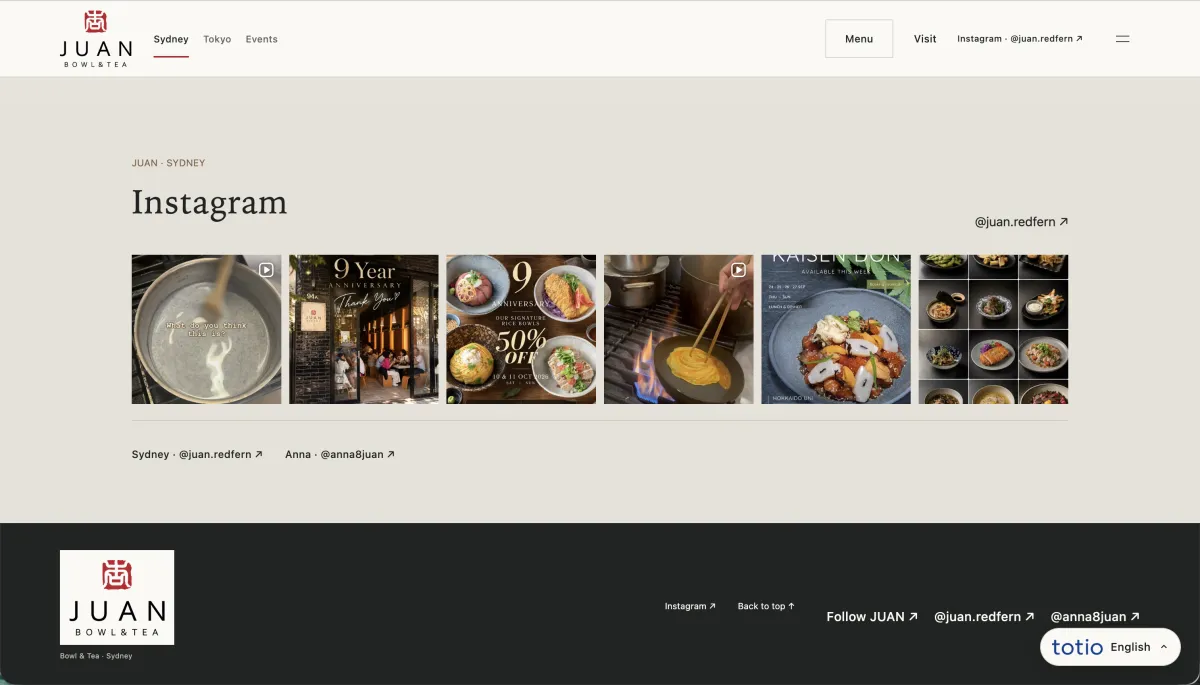
- Show Instagram posts on your official website.

Make orders and service status easier to check.
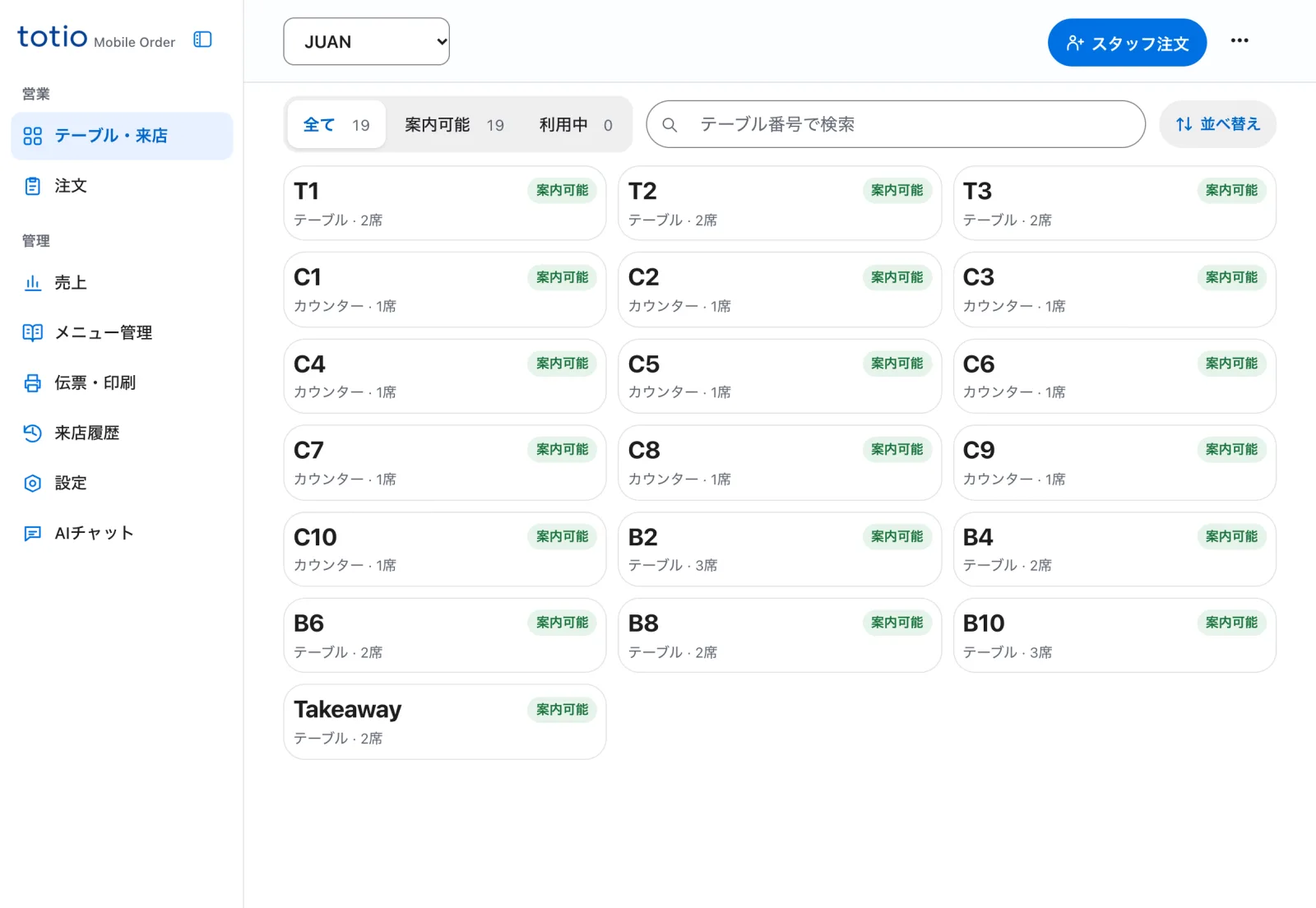
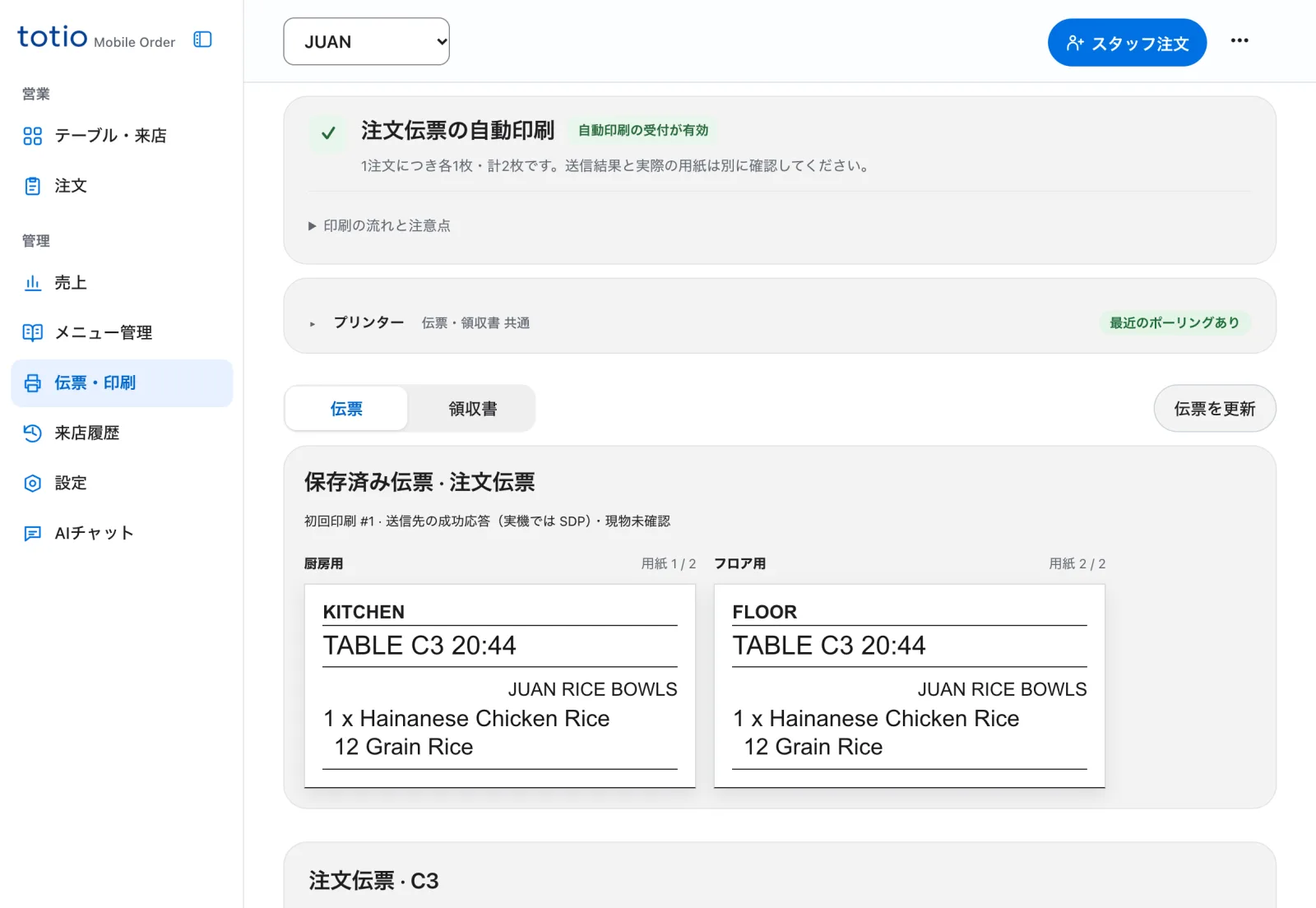
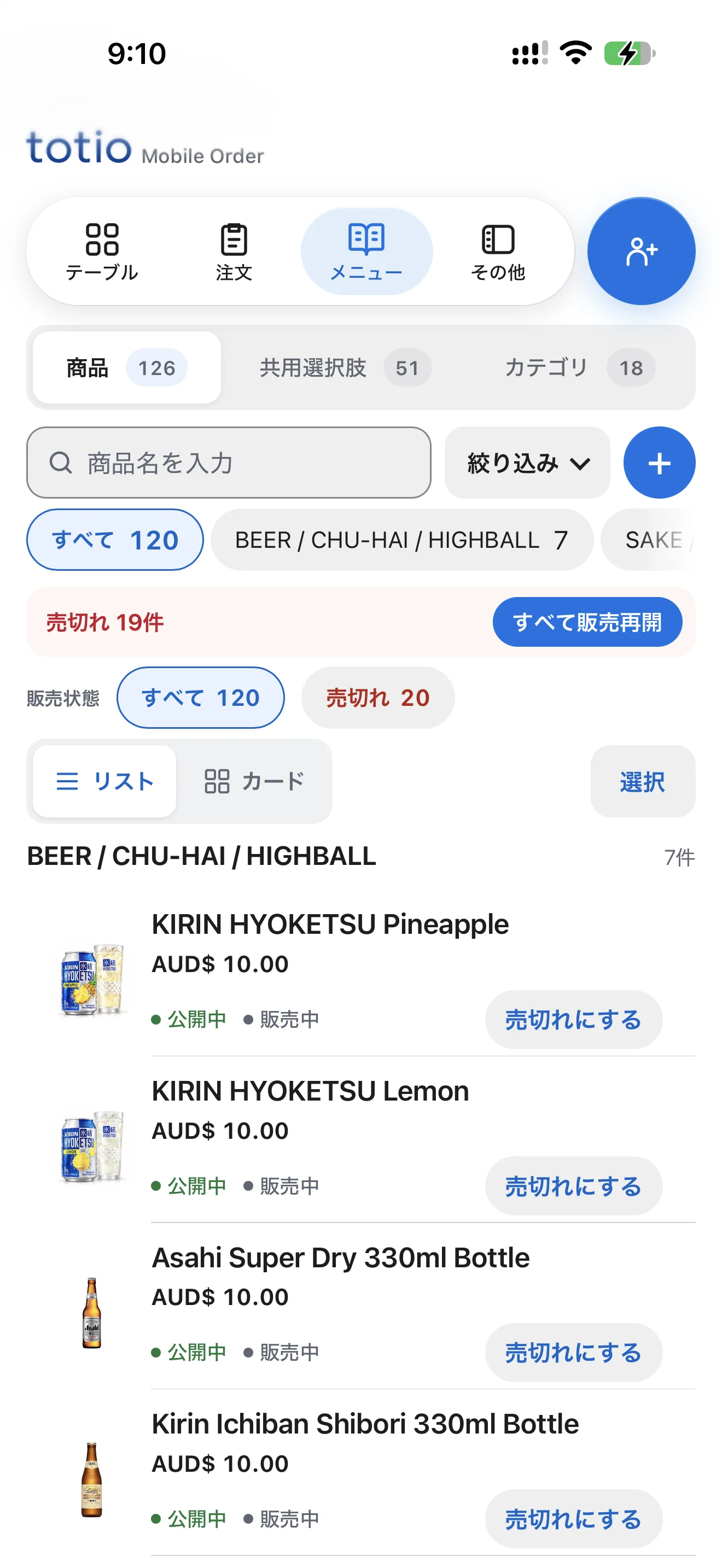
- Manage orders, tables, payments and sold-out items in one staff screen.
- Show QR ordering recommendations based on each restaurant’s order history.
- Check order status in one dashboard.
- Reservation and points status displays are in preparation.
- We also welcome discussions about custom system development for your restaurant.
CASE STUDY
JUAN Bowl & Tea
See how JUAN Bowl & Tea in Sydney and Tokyo uses an eight-language website, QR ordering and event bookings at its Tokyo restaurant.
View the JUAN Bowl & Tea case studyHOW IT GOES
How it works
From consultation to launch, we proceed in 5 steps, reviewing the details along the way.
- STEP 1
Discuss your needs
- STEP 2
Decide what to do
- STEP 3
Create your website and menu
- STEP 4
Test before launch
- STEP 5
Launch and explain updates