
totio Order
QR ordering equipment and setup
Start with a smartphone for customers to order from, a device for staff to view orders, and a QR code at each table. Before buying equipment, check how your current register and printer can fit your store’s workflow.
What you need for QR ordering

Customer smartphone
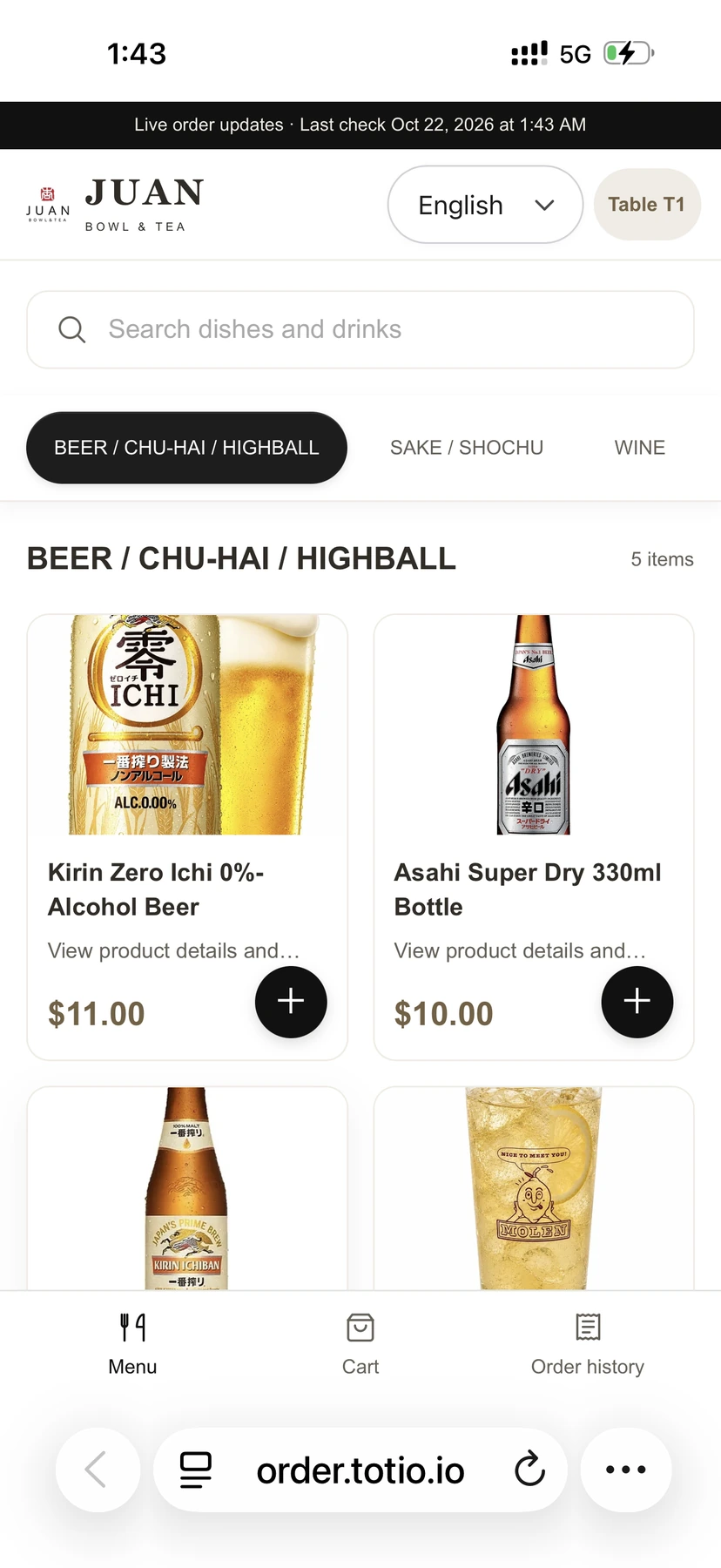
Customers scan the table’s QR code and use their smartphone’s web browser and internet connection to open the menu and order.

Staff device
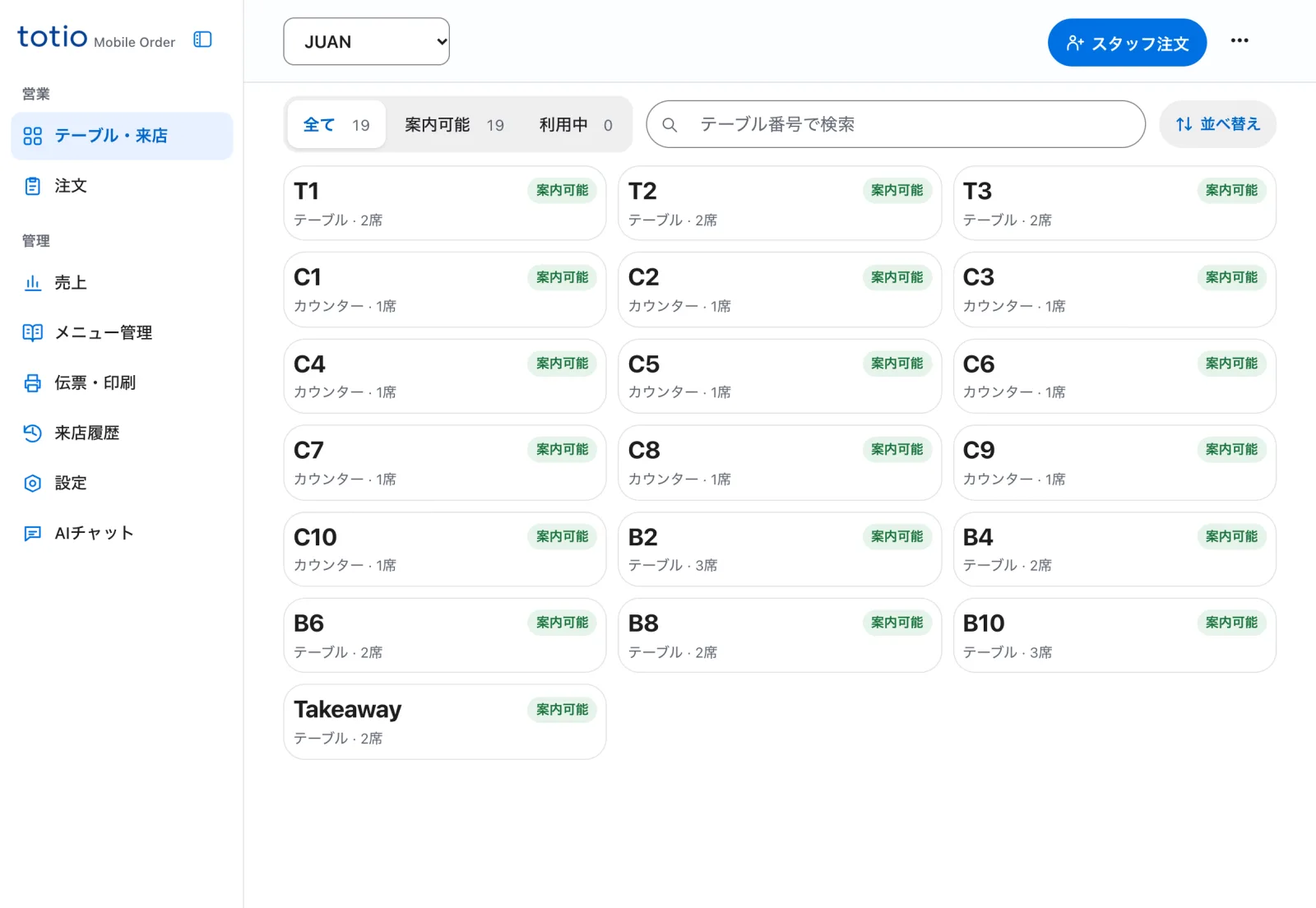
Staff use a web browser on a tablet or computer with internet access to see orders and check whether they’ve been accepted.

Table QR code
Place the QR code set up for each table on a table card or sign.
Equipment for checkout and kitchen operations

Your existing register
For standard in-store checkout, staff review the order and take payment using the existing register. We check the register features you need and integration options for each store.

Kitchen order printer
For kitchens that work from paper order tickets. Check supported models, connection options and store settings before getting started.

In-store card terminal
Process card payments on your terminal. Staff can then record the result in totio Order. For online payments made from a smartphone, see the payment guide.
Before you buy equipment
Tell us the brands and models of your devices, register and printer, along with your store’s network setup and your preferred checkout and printing workflow. We’ll help you check what you can reuse and what you need to add.